CC-1194ENG-01
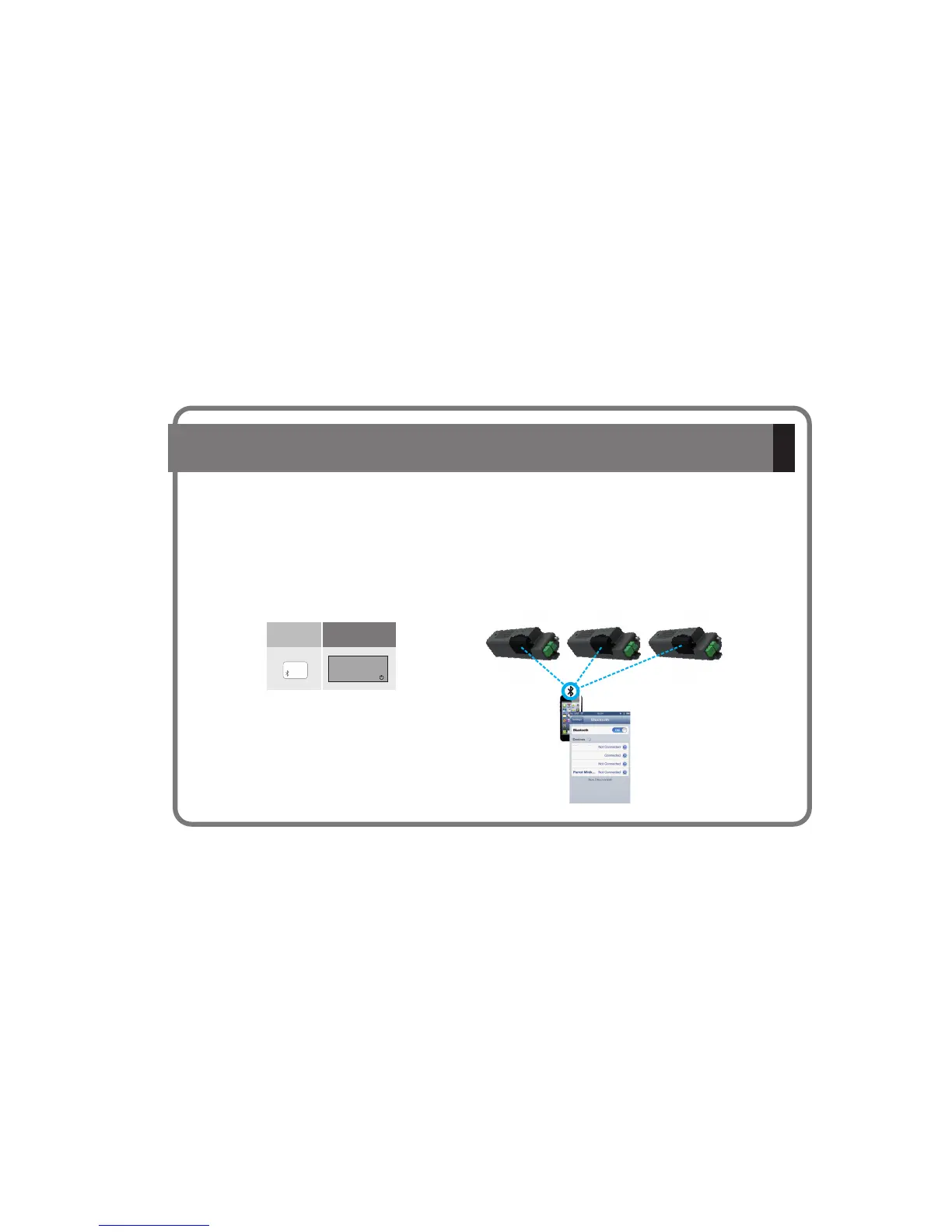
5.4.- Transmit audio from one device to several KB BluetoothSOUND
® ®
If there are several in your installation, you will be able to transmit your music to any of them interchangeably from the same
Bluetooth mobile device. Please note that only one can receive the audio signal at any time.
To make this possible, it is necessary to have made the numeric identification of each . (see Chapter 5.1).
It is also necessary that the Bluetooth mobile device has been paired with each of the in the installation
(see chapter 5.2).
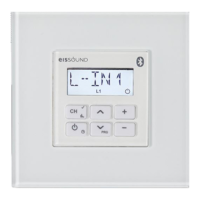
Select the Bluetooth option with the Remote Control of the
that you wish to use at that moment.
Select in the Bluetooth device the you wish to connect with:
KBsound00, KBsound01, KBsound02, etc.
NOTE: Be careful, the menus on your Bluetooth device can vary between manufacturers.
As a result, strictly follow their instructions.
KB Bluetooth
KB Bluetooth
KB Bluetooth
KB Bluetooth
KB Bluetooth
KB Bluetooth
SOUND
SOUND
SOUND
SOUND
SOUND
SOUND
® ®
® ®
® ®
® ®
® ®
® ®
Key
Sequences
Display
iPOD
BT
KBsound 01
KBsound 02
KBsound 03
KBsound00 KBsound01 KBsound02
13



 To Next Page