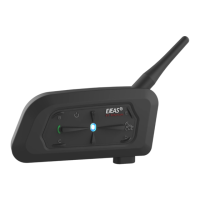
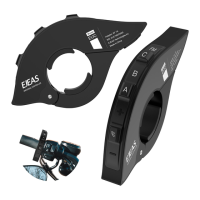
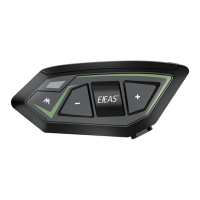
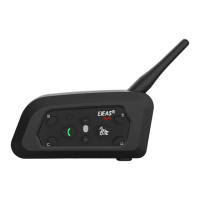
Operation of Intercom
V6 support six riders use device, two riders talk at the same time,
one main device are pair with 5 sub-devices, the main device can
choose one to talk from A/B/C/D/E sub-devices.
Attention: The main device can not talk with other 5 devices at same
time, it is choose one sub-device to talk. Choose from A/B/C/D/E,
press main device’s MOTOR/B/C/D/E button to switch, realize two
riders talking. The other five sub-devices cannot talk between with
each other.
When comes a call, without operation 5s, phones will automatic receive.
4. Receiving a call
When comes a call, press Phone button to end call.
5. Refuse a call
Short press Phone button (95% compatible with cellphone music play).
6. Play/Suspend music
Add volume: Press Volume +
Down volume: Press Volume -
7. Volume control
Previous music: Long press Volume - for 2s
Next music: Long press Volume + for 2s
8. Choose music
When charging, the red light is always on, after the full charge, the
red light is off.
9. Charging tip
Press Phone button and B button at the same time, the indicator
light flashes red three times and blue once.
10. Clear pairing (Restore factory settings)
3


 To Next Page