Operation of phone
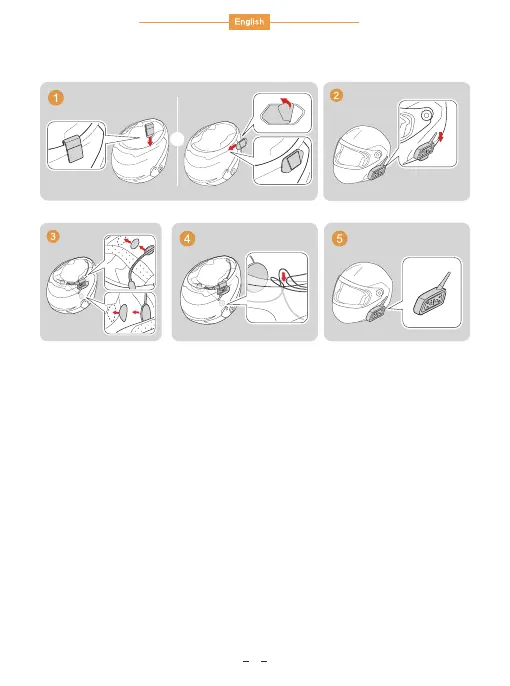
The installation diagram
Power on:
Power off: Press Power off.
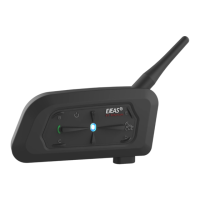
Long press MOTOR button about 2s then release, main
device light flash.
1. Power on/Power off
Long press Phone button 5s, until red & blue light flash. Turn on
phone bluetooth and search bluetooth to connect V6, pairing
successfully, intercom’s blue light flash. (If GPS/MP3 support
bluetooth function, same operation way with phone)
2. Connect with phone (GPS/MP3)
After connecting phone, long press Phone button 3s, device will
automatic dial phone of the final phone calling number.
3. Last number redial
2
or


 To Next Page