- 6 -
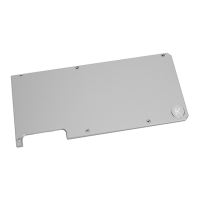
INSTALLING THE BACKPLATE
STEP 1
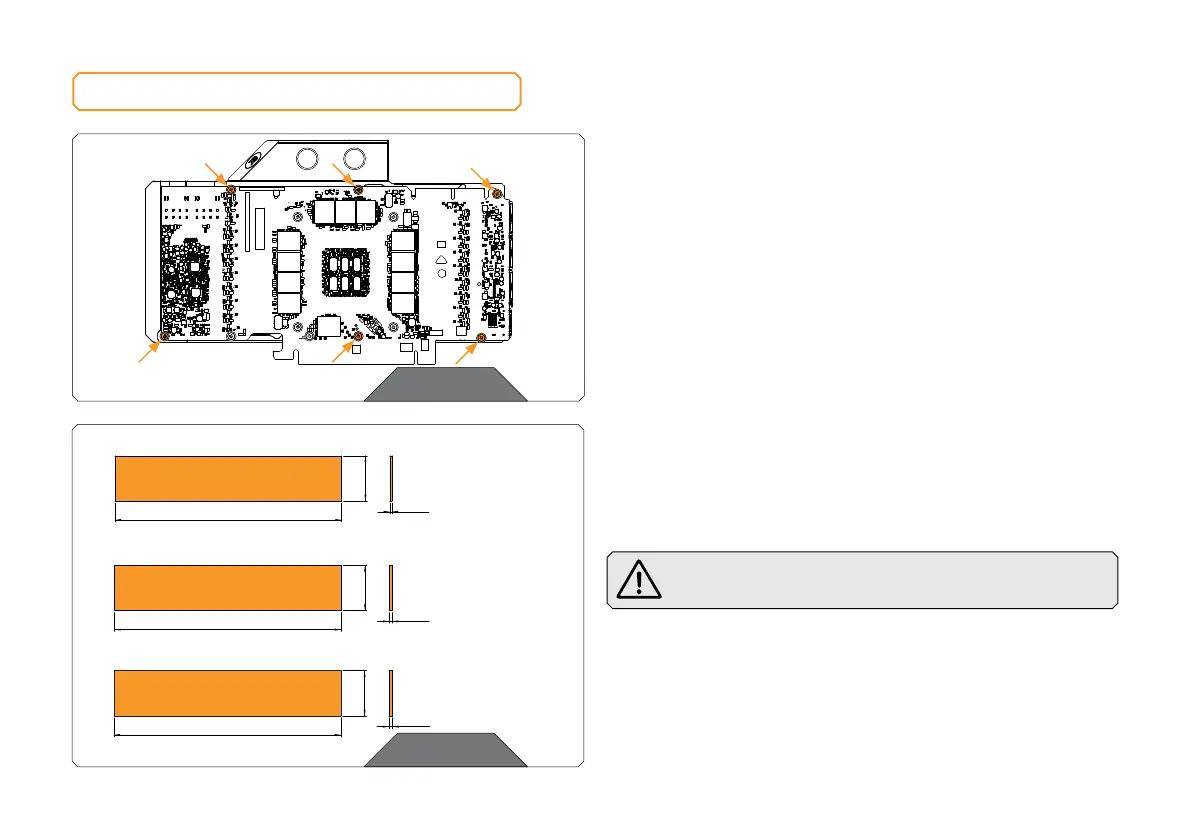
PREPARING THE GRAPHICS CARD
First, complete the installation of your EK-Quantum Vector RTX
3080/3090 water block according to its installation manual.
In case the water block is already installed, remove the six (6) AX1
screws and their PVC washers, as shown in the image.
STEP 2
CUTTING AND PLACING THERMAL PADS
Your backplate comes with thermal pads that have to be cut into
smaller pieces to cover all the VRM components. EK made sure to
provide you with more than an adequate quantity of thermal pads to
complete this Step.
CAUTION: You must remove the protective foil from both
sides of the thermal pad before installation.
Thermal pads:
2x Thermal PAD G 1.0 mm (120 x 24 mm) – EAN: 3830046996770
2x Thermal PAD G 1.5 mm (120 x 24 mm) – EAN: 3830046996787
2x Thermal PAD G 2.0 mm (120 x 24 mm) – EAN: 3830046996794
STEP 1
STEP 2
120 mm
24 mm
1 mm
Thermal PAD G 1.0 mm (120 x 24 mm)
120 mm
24 mm
1.5 mm
Thermal PAD G 1.5mm (120 x 24 mm)
120 mm
24 mm
2 mm
Thermal PAD G 2.0 mm (120 x 24 mm)







 To Next Page