- 11 -
PROTECTIVE
FOAM WITH
STICKER
PROTECTIVE
FOAM WITH
STICKER
STEP 2
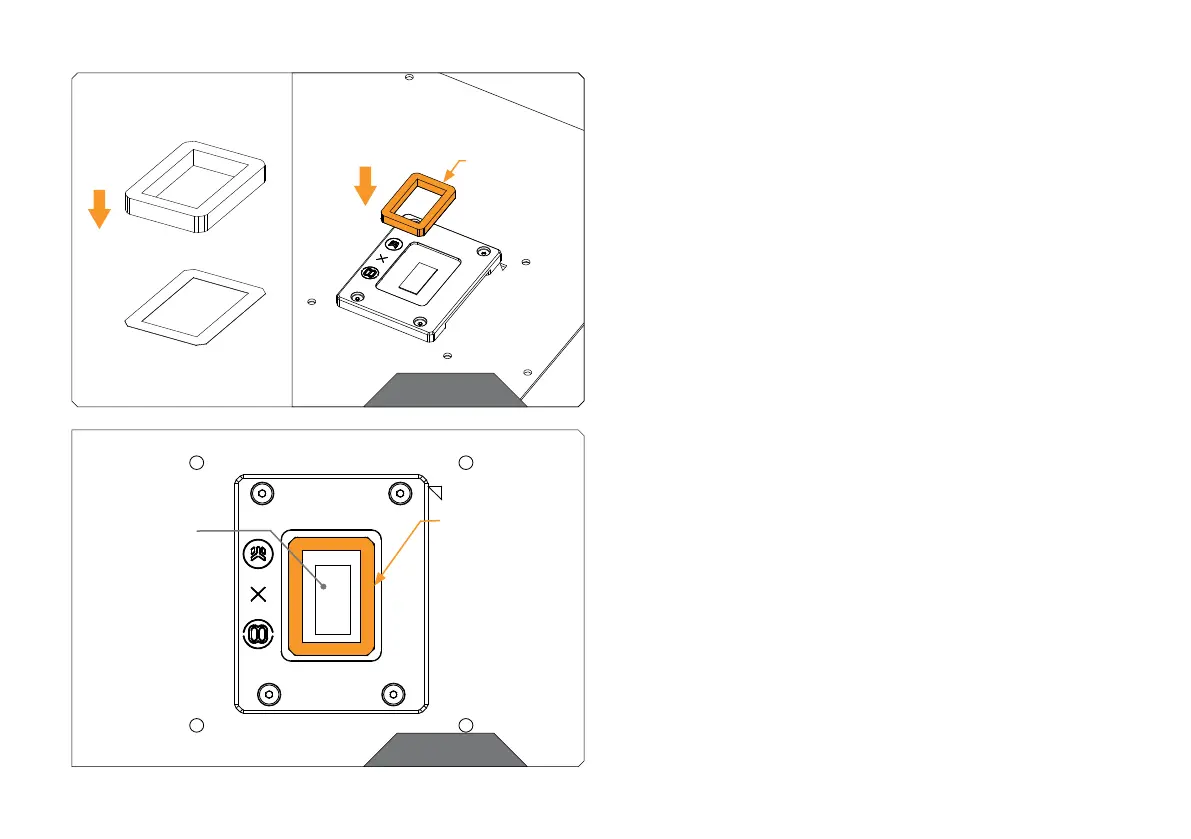
Take the Protective FOAM and glue it to the Protective STICKER on
the side of the STICKER with no glue.
Now you can glue the Protective FOAM and STICKER on the CPU.
STEP 2
STEP 3
Put the protective FOAM with a sticker on the CPU so that it doesn’t
touch the DIE with the glue part of the facing the CPU.
Position the protective FOAM and STICKER so the DIE is in the
center of the protective FOAM.
STEP 3
DIE



 To Next Page