Further functions
HemoPoint
®
H2 User Manual
45
5.5.2.4 Broadcast
Under “Menu”, sub-menu “Options”, sub-menu “Broadcast”, this
menu item is intended for an authorized EKF Diagnostics
technical service representative only.
5.5.2.5 The service menu
Under “Menu”, sub-menu “Options”, sub-menu “Service”, this
menu item is intended for an authorized EKF Diagnostics
technical service representative only.
5.5.3 Information on contacting us
Information on how to contact EKF Diagnostics if you need further
help or if you wish to place an order is found under “Menu”, sub-
menu “Contact”. This information can also be found in Section
10.2 “Further information”.
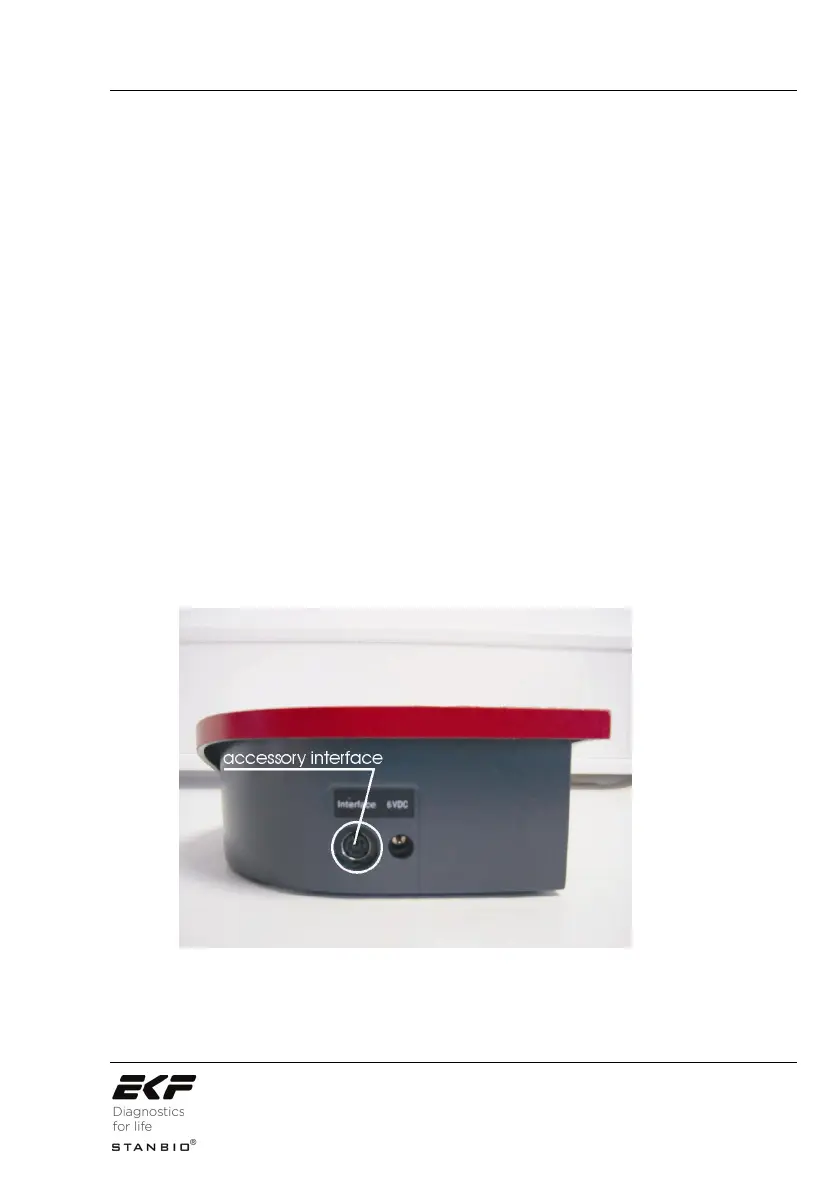
5.6 Connecting accessories
The HemoPoint
®
H2 analyzer is equipped with a serial interface at
the back of the instrument.
Illustration 31: Interface socket.



 To Next Page