10
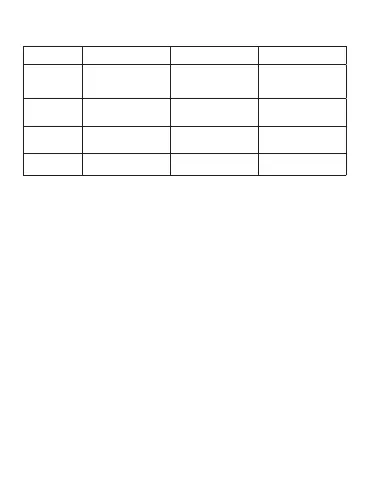
Table 5
Display Function Summer time Winter time
S-W
Europe
For European
countries
Last Sunday
in March
Las Sunday
in October
S-W USA For the USA
Second Sunday
in March
First Sunday
in November
FREE+IH Programming
Free
programming
Free
programming
OFF off no no
Setting of a new program:
Select the option «PROGRAM» in the main menu, conrm the
selection with the button «ОК». Select the option «NEW», conrm
the selection with the button «ОК». After that free memory space
will be shown on the display. If the memory of the timer is full,
the new program will not be created, and the display will show
«FULL». Set the number of the program and conrm the selection
with the button «ОК». Select ON/OFF mode and then «IMPULSE»
mode. After that set the position of output pins, hours and minutes.
Select the selection with «ОК». Set the duration of the impulse,
adjustment range of 1-99 s. Set the activation of the program
within a week from Monday to Sunday (item 9 on the diagram). If
necessary to add the following step of the program, press «ОК» and
repeat the programming. In order to complete the programming,
press «MENU».


 To Next Page