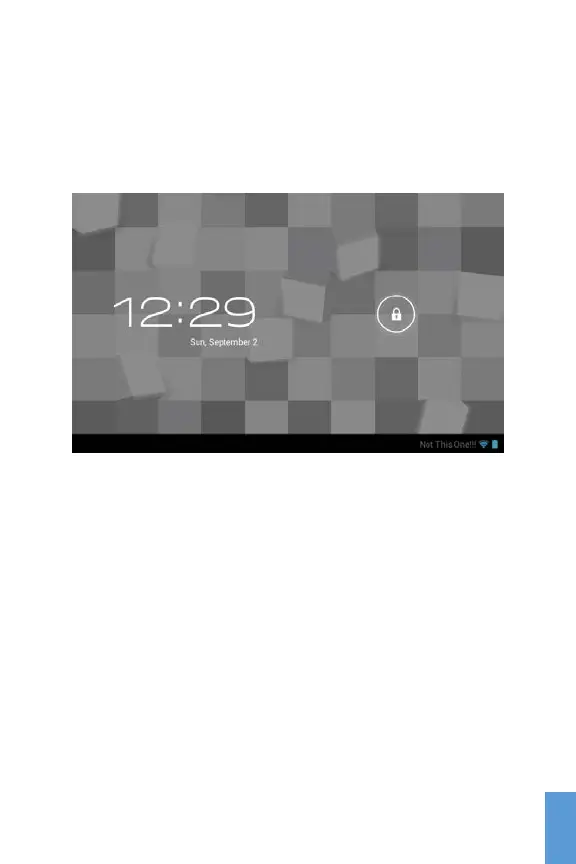
Welcome Screen / Home Screen
As soon as you power on your tablet, you will see the
Welcome screen which will be locked.
Welcome Screen locked
With your finger, touch the Lock Icon and slide it to the right
to unlock the device and go to the Home Screen.
The Home Screen provides access to the things you need
the most, and key information concerning the current status
of your tablet. At the bottom of the Home Screen is the
Navigation Bar Icons and on top you find the Status and
Notification Bar.
9
ENG
ENG



 To Next Page