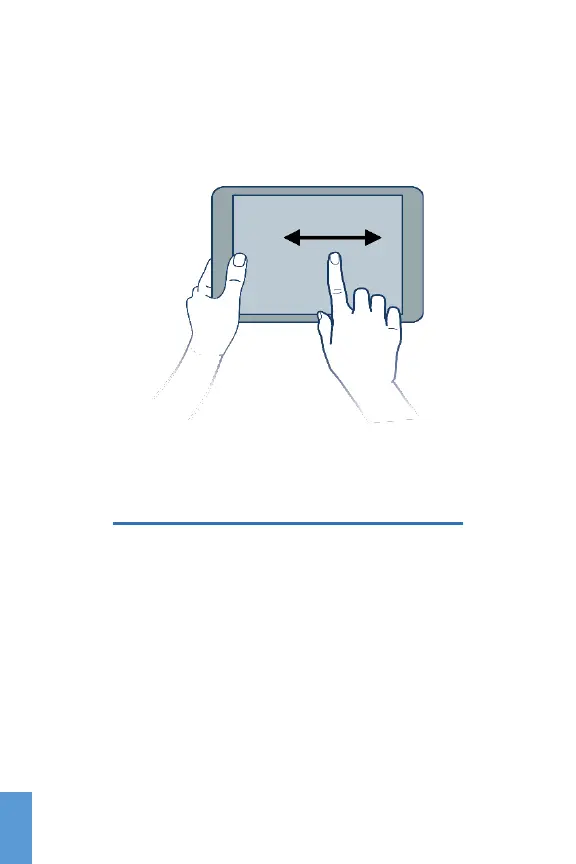
To see a different screen, slide your finger to the left or to
the right from the Home Screen. There are two more screens
to either side of the Home Screen that you can customize.
Scroll left or right
Setting Main Configurations
Under Settings you can configure the following preferences:
• Wireless & Networks (Wi-Fi, VPN…)
• Device (Sound, display, apps…)
• Personal (Security, language…)
• Accounts (Add or delete accounts)
• System (Date & Time…)
14
ENG



 To Next Page