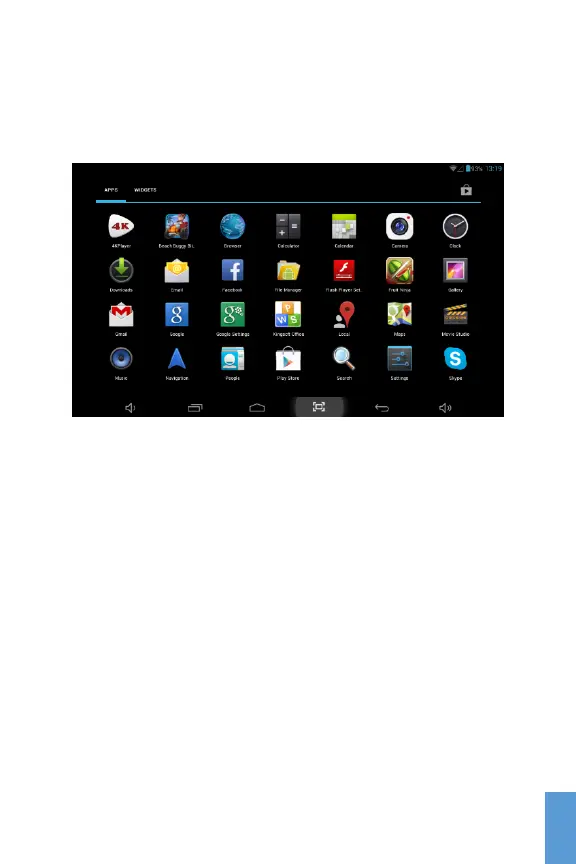
You can view a list of all the applications available in your
device by clicking the Application Menu icon. To open, just
click on the icon for the application you would like to run.
Application Menu
Managing Icons and Screens
Besides the Home Screen, you have 4 additional screens
that you can customize and populate with your favorite apps
or widgets.
To add icons to your Home Screen, Press and Hold the
icon for the app you would like to move around, and without
lifting your fingers from the screen, Drag the icon to the
desired location and lift your finger to drop the icon.
To delete an icon from the Home Screen, just Press, Hold
and Drag the icon to the “X Remove” mark on the top or the
top left of the home screen and lift your finger.
13
ENG
ENG



 To Next Page