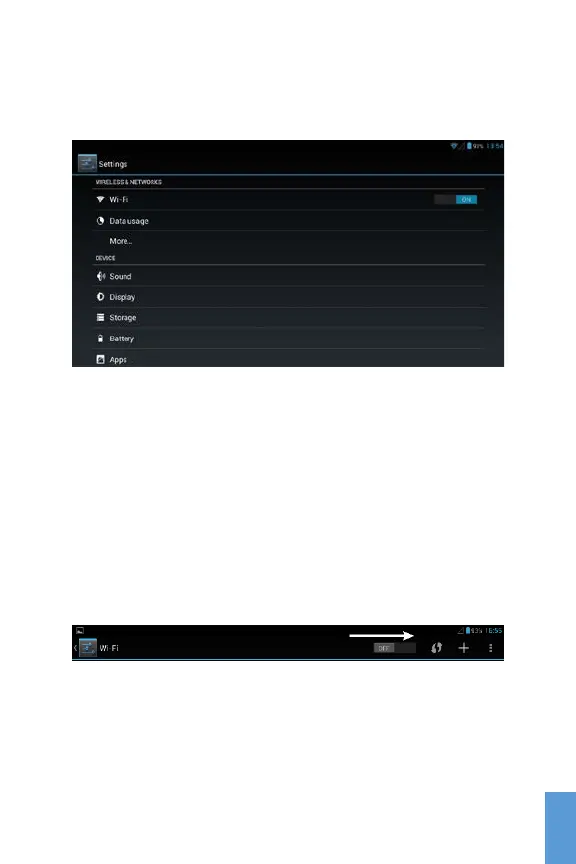
To access the Settings Menu, just click the Setting icon from
the Home Screen or the Application Menu.
Settings Menu
Wi-Fi Setup
To configure your Wi-Fi, go to the Settings
Wireless &
Networks
Wi-Fi. Once in the Wi-Fi setup screen, you will
have to slide the On/Off switch located on the top of the
screen to the On position. To turn off the Wi-Fi, just slide
the switch to Off position.
Slide to ON position
The tablet will automatically scan and list available Wi-Fi
networks. Choose your wireless access point, and proceed
to enter your credentials.
15
ENG
ENG



 To Next Page