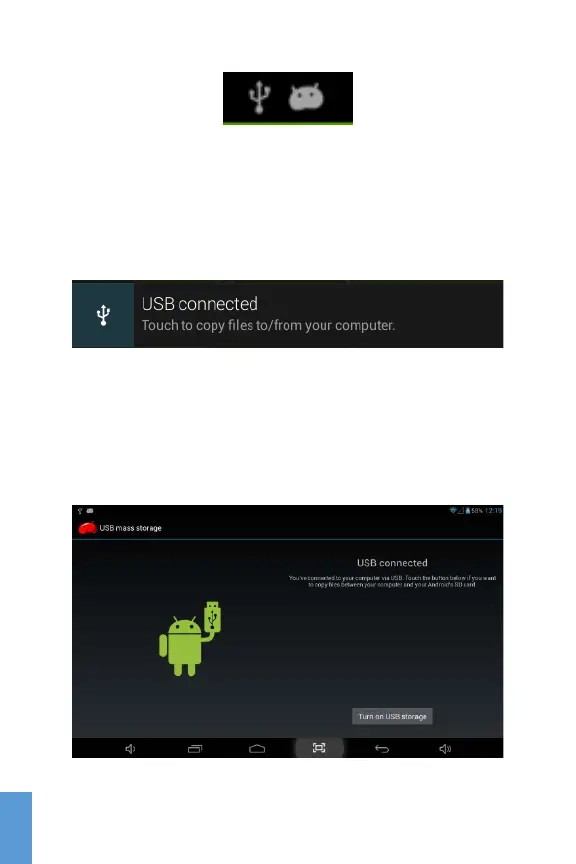
USB Icon on Notification bar
Bring down the Notification shortcut bar by pressing and
sliding down the bar. Then click USB connected to access
the USB mass storage option screen.
Click this bar to access USB mass storage
Once in the USB mass storage option screen, click Turn on
USB storage then OK. You now can copy files between your
computer and your tablet. Your tablet will be recognized by
the computer as a Removable Storage Device.
Click Turn on USB storage
18
ENG



 To Next Page