DUO - User Manual Pg 9
Pushes
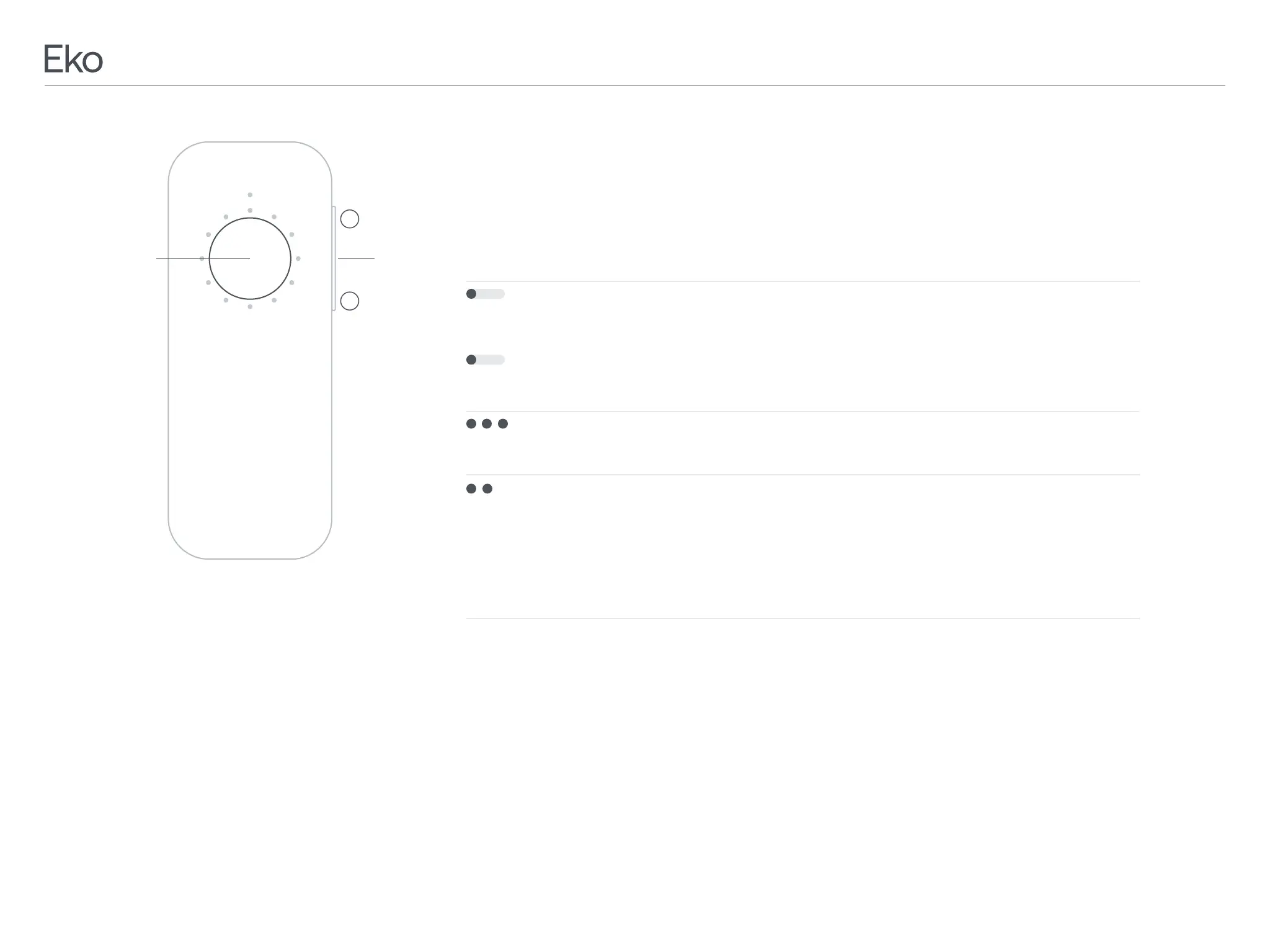
To Do This LED Ring Response
Power On
To turn on, press and hold the
second, then release.
two seconds, then release.
three times quickly.
The active LED rotates to a new
position corresponding to the
Take a recording Double clicking the center/
recording and stops a
recording in progress
Recordings can also be
initiated in Eko App.
The active LED remains on.
1 sec
2 sec
3.1TurningOnandO,ChangingFilters,andTakingaRecording
powered on.
Power Save Mode
Volume Control
number of LEDs lit in the LED ring.
+
–
Volume


 To Next Page