35
CONTENT SEARCH
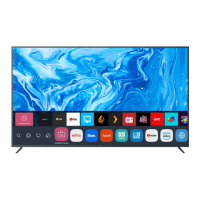
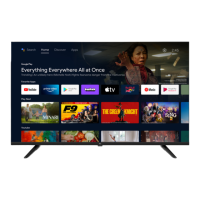
You can receive recommendations for content based on viewing patterns or
search by yourself for the content you want.
1. Press the button on the remote control.
2. Launch Search.
3. Search for a variety of content and information using the
desired search terms.
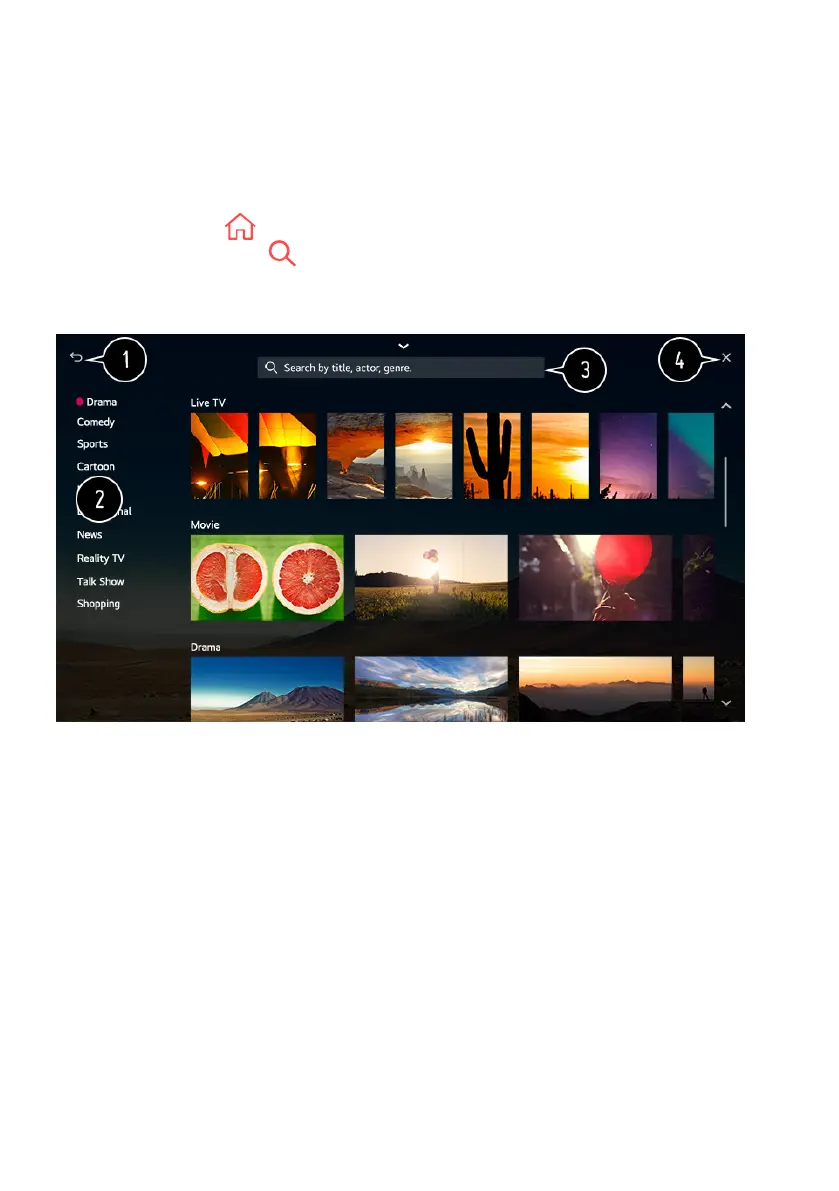
1. Returns to the previous screen.
2. Provides a list of content for the selected genre.
3. Enter a search term.
4. Exit the Search.
- You must connect to the network to use the search feature.
- Search results may vary depending on the programme, region, network
settings, and whether you have agreed to the terms and conditions.
ENJOY CONTENT STORE (Cont.)



 To Next Page