EasyManua.ls Logo

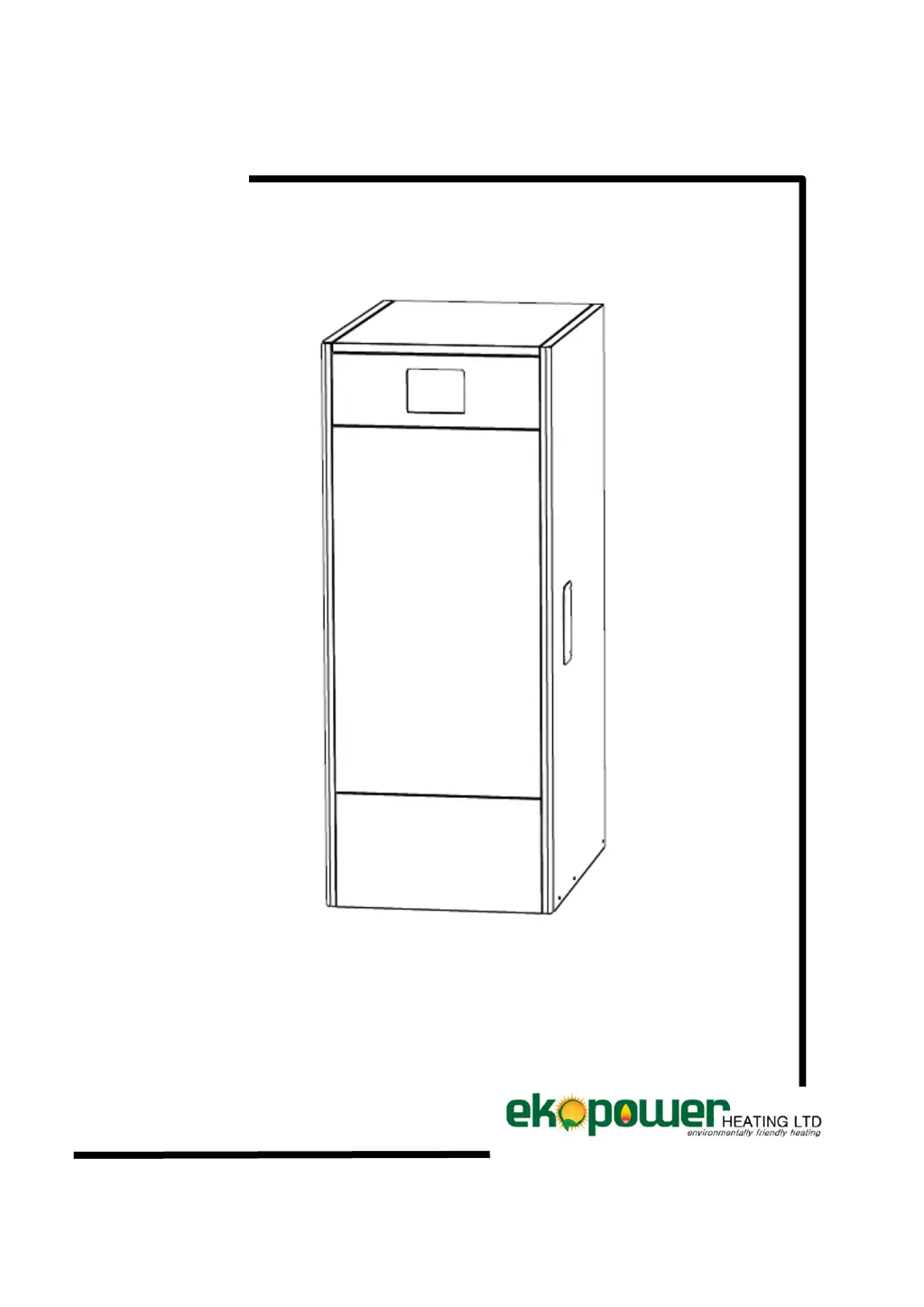
Ekopower EkoHeat 1500 - User Manual

Default Icon
54 pages
Print Icon
To Next Page IconTo Next Page
Loading...
INSTALLATION AND OPERATING INSTRUCTIONS
EKOHEAT

Table of Contents

Other manuals for Ekopower EkoHeat 1500

Questions and Answers

  • A
    Alexis TrujilloAug 9, 2025
    What to do if the red alert is flashing on my Ekopower Boiler?
    • B
      Brittany WalkerAug 9, 2025
      If the red alert is flashing on your Ekopower Boiler, it might be because a sensor is connected to the controller in the settings but not physically present. To resolve this, go to the menu, then 'fitters settings,' and then 'optional equipment.' Find the sensor that is marked as 'Yes' and change it to 'No.' If needed, unplug the boiler from the power socket and then turn it back on.
  • K
    Kayla GreenAug 18, 2025
    How to fix 'Alert burnt out' on Ekopower EkoHeat 1500 Boiler?
    • M
      Melanie GonzalezAug 18, 2025
      If you receive an 'Alert burnt out' message on your Ekopower Boiler, several factors could be responsible. First, ensure that the pellet supply is correctly adjusted by weighing the pellets. Next, check if the photo sensor is dirty; clean it, and replace it if necessary, ensuring a minimum of 100 lux on the display during full operation. Also, verify that the minimum setting isn't too low, and increase it to 25-30 if needed. Finally, consider updating to the newest software version.
  • C
    charles02Aug 28, 2025
    What to do if my Ekopower EkoHeat 1500 shows 'Alert ash plate'?
    • B
      Brandon PhillipsAug 28, 2025
      If you're getting an 'Alert ash plate' on your Ekopower Boiler, start by checking the micro switch manually to see if it clicks; clean it or replace it if necessary. Then, inspect the ash plate for slag accumulation and clean it. Also, ensure the screw stick is greased with aluminum paste, and if the screw block is worn out, replace it.

Summary

Control Components

Boiler Setpoint Temperature Selector

Selects the desired boiler set point temperature for operation.

Digital Display

The primary interface for viewing operating information, settings, and values.

Start;Stop Operation Button

Used to start up or switch off the boiler's functioning.

Safety Thermostat

Prevents overheating by cutting off electrical supply if temperature exceeds 110°C.

Installation Instructions

Hydraulic Installation

Details the mandatory requirements for qualified personnel and legislation compliance.

Starting Up the Boiler

Filling the Installation

Procedure for filling the installation with water to 1-1.5 bars, bleeding air.

Start-up Checklist

Requirements for valid guarantee: plugged in, filled, fuel, flue, kit, auger, fuel type, valves open.

Digital Display and Operation

Boiler Setpoint Temperature Adjustment

Procedure to select and save the desired boiler functioning temperature (65-80°C).

Configuration Menu

Feed Auger Calibration

Calibrates the fuel feed auger for correct boiler functioning and combustion.

Service Menu

Cleaning the Ash Drawer

Safety Warnings for Ash Drawer

Precautions for safe handling of ash drawer: switch off, wear gloves, mask, use metal container.

Safety Cut-Outs and Shutting Down

Temperature Safety Cut-out

Boiler switches off if water reaches 110°C; reset via thermostat after cooling.

Boiler Maintenance

Cleaning the Burner

Provides a step-by-step procedure for correctly cleaning the burner.

Lubricating the Burner Cleaning Device

Recommended procedure for lubricating the burner cleaning device.

Cleaning the Vent

Provides a recommended procedure for correctly cleaning the vents.

Electrical Diagram

Sensor Settings and Alarm Codes

Alarm Codes Overview

Lists detected boiler malfunctions with codes, causes, and recommended actions.

Ekopower EkoHeat 1500 Specifications

General IconGeneral
BrandEkopower
ModelEkoHeat 1500
CategoryBoiler
LanguageEnglish

Related product manuals