EasyManua.ls Logo

Ekopower EkoHeat 2500 - User Manual

Default Icon
54 pages
Print Icon
To Next Page IconTo Next Page
Loading...
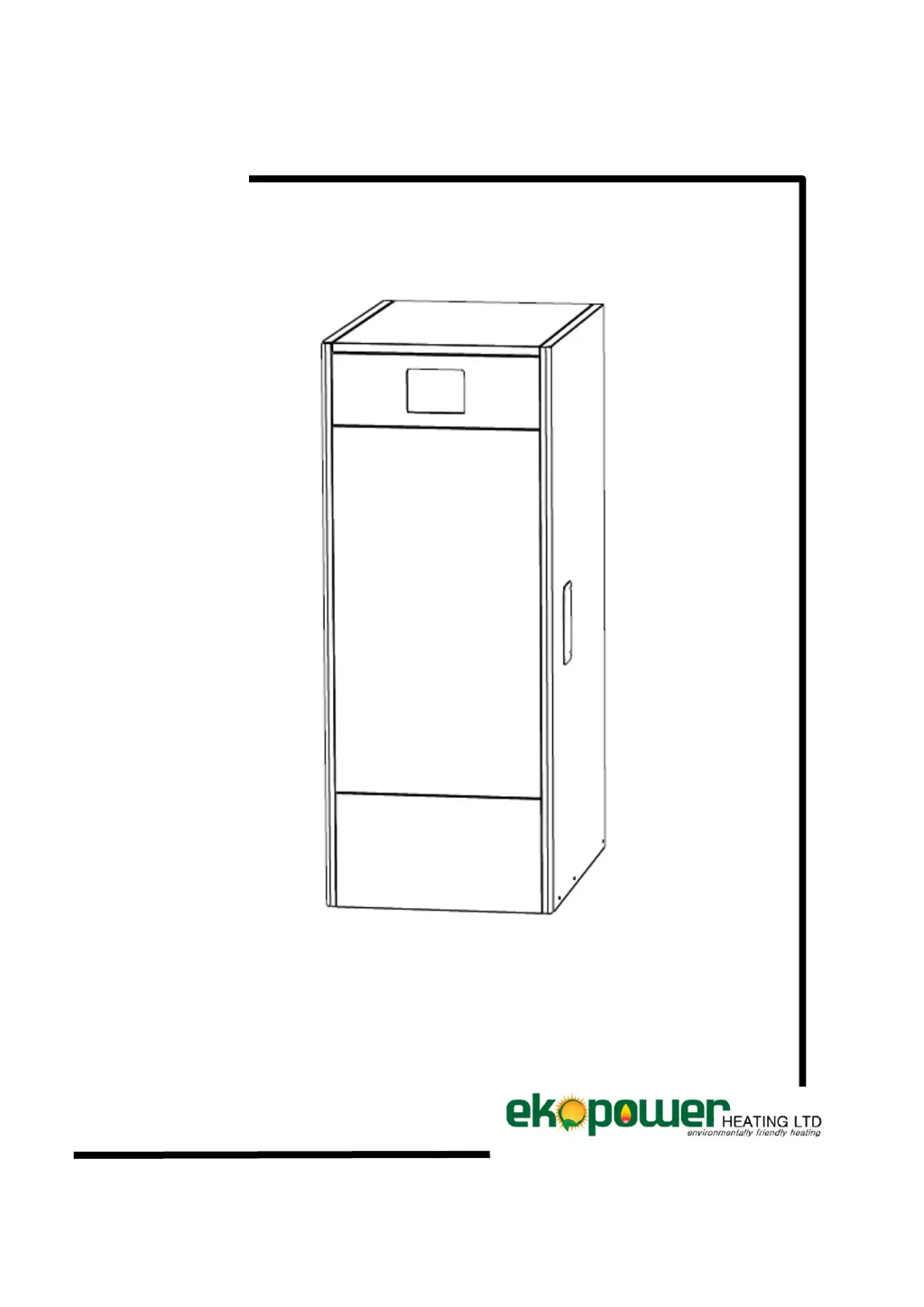
INSTALLATION AND OPERATING INSTRUCTIONS
EKOHEAT

Table of Contents

Other manuals for Ekopower EkoHeat 2500

Questions and Answers

  • J
    James NicholsonAug 9, 2025
    What to do if the red alert is flashing on my Ekopower EkoHeat 2500?
    • J
      Joshua BakerAug 9, 2025
      If the red alert is flashing on your Ekopower Boiler, it might be because a sensor is connected to the controller in the settings but not physically present. To resolve this, go to the menu, then 'fitters settings,' and then 'optional equipment.' Find the sensor that is marked as 'Yes' and change it to 'No.' If needed, unplug the boiler from the power socket and then turn it back on.
  • R
    Richard YoungAug 18, 2025
    How to fix 'Alert burnt out' on Ekopower Boiler?
    • O
      omcneilAug 18, 2025
      If you receive an 'Alert burnt out' message on your Ekopower Boiler, several factors could be responsible. First, ensure that the pellet supply is correctly adjusted by weighing the pellets. Next, check if the photo sensor is dirty; clean it, and replace it if necessary, ensuring a minimum of 100 lux on the display during full operation. Also, verify that the minimum setting isn't too low, and increase it to 25-30 if needed. Finally, consider updating to the newest software version.
  • C
    Crystal CookAug 28, 2025
    What to do if my Ekopower EkoHeat 2500 Boiler shows 'Alert ash plate'?
    • T
      teresanelsonAug 28, 2025
      If you're getting an 'Alert ash plate' on your Ekopower Boiler, start by checking the micro switch manually to see if it clicks; clean it or replace it if necessary. Then, inspect the ash plate for slag accumulation and clean it. Also, ensure the screw stick is greased with aluminum paste, and if the screw block is worn out, replace it.

Summary

Control Components

Digital display

Boiler functioning display for information, settings, and error descriptions.

Safety thermostat

Ensures boiler temperature does not exceed 110°C by cutting off electrical supply.

Installation Instructions

Location

Specifies the requirements for boiler placement, including ventilation and clearance.

Hydraulic installation

Details requirements for water connections, including mandatory kits and cleaning.

Fuel

Specifies the required fuel type and storage recommendations for optimal functioning.

Installing the reserve tank

Instructions for mounting the pellet reserve tank on the boiler.

Electrical Connection

Guidelines for connecting the boiler to the mains power supply.

Combustion product removal

Requirements for flue connection to ensure safe and efficient exhaust of combustion gases.

Digital Display

Operation

Selecting the boiler setpoint temperature

How to adjust the desired operating temperature for the boiler.

Selecting the DHW setpoint temperature (with hot water tank only)

How to adjust the temperature for domestic hot water storage.

Configuration Menu

Time programmer

Setting daily on/off times for the boiler operation.

Feed auger calibration

Procedure to calibrate the fuel feed auger for correct pellet delivery.

Service Menu

Fan functioning

Adjusts fan speed percentages for optimal combustion at different power levels.

Cleaning the Ash Drawer

Safety Cut-Outs

Temperature safety cut-out

Boiler shuts down if water temperature exceeds 110°C, requiring reset.

Shutting Down the Boiler

Boiler Maintenance

Boiler and flue maintenance frequencies

Outlines the recommended schedule for various maintenance tasks.

Cleaning the burner.

Detailed step-by-step procedure for cleaning the boiler burner.

Electrical Diagram

Sensor Settings

Alarm Codes

Ekopower EkoHeat 2500 Specifications

General IconGeneral
Fuel TypeElectric
Voltage230 V
Frequency50 Hz
Nominal Heat Output2500 W
ThermostatYes, adjustable
Safety FeaturesOverheat protection

Related product manuals