8
x1
x1
x2
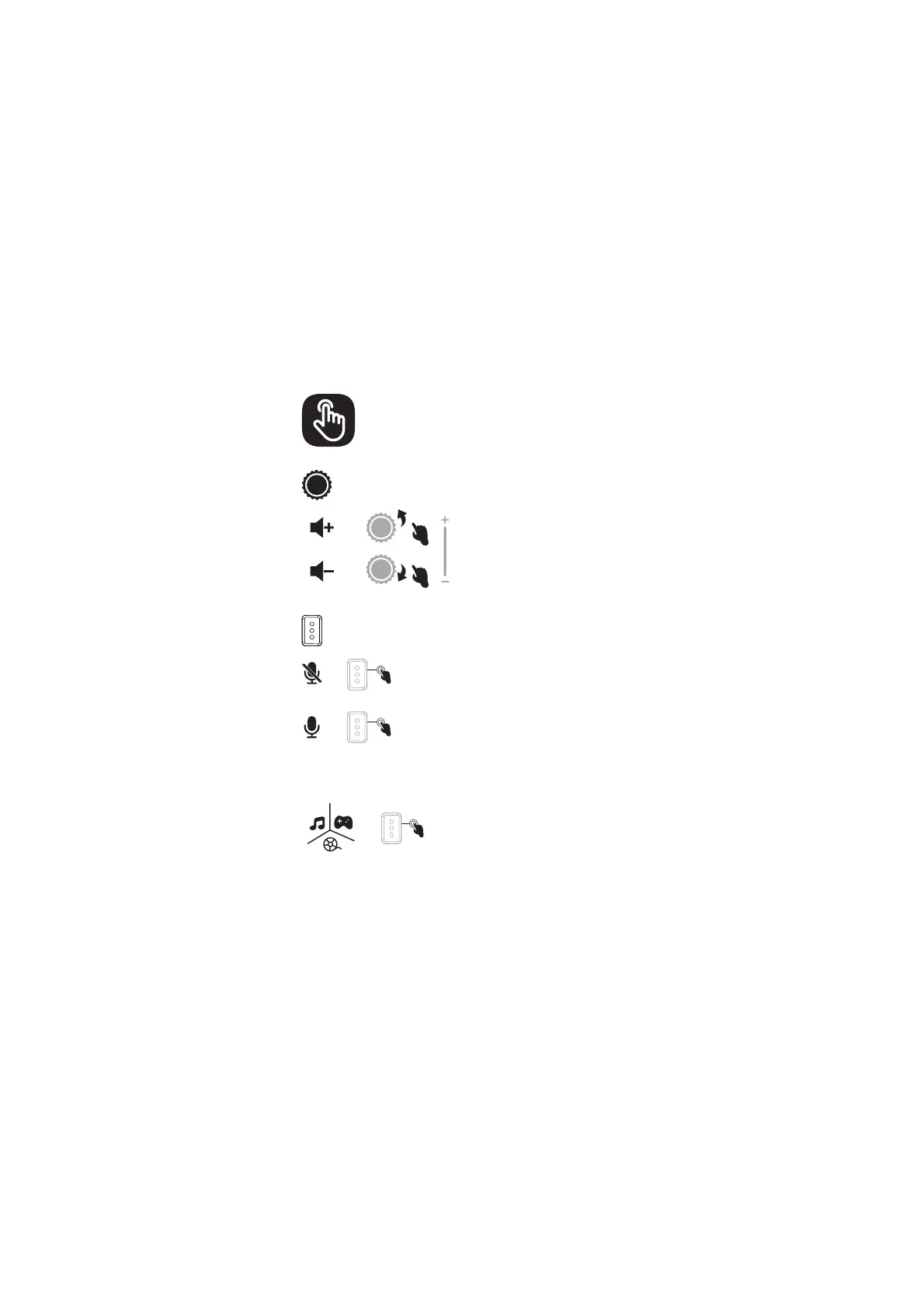
7PMVNF*ODSFBTFBOE%FDSFBTF
(1) Slide the volume plus knob to +
direction, increase the volume
(2) Slide the volume plus knob to -
direction, decrease the volume
.JDSPQIPOF.VUF#VUUPO
(1) Click the microphone mute button to
mute the microphone. The voice prompt
is "MIC Off".
(2) Click the microphone mute button
again to unmute the microphone. The voice
prompt is "MIC On".
"VEJP4XJUDI
(1) The last used sound mode is used by
default after startup
(2) Double-click the microphone mute
button and then switch the sound effects
in three modes successively: music
mode-gaming mode-movie mode
Operation Guide


 To Previous Page