3
Operation Guide
Power On/Off
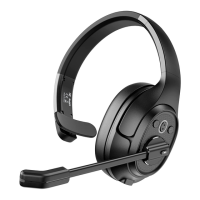
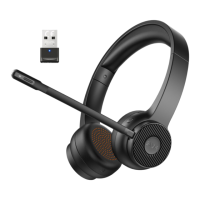
(1) Long press the “Power button” for about 2 seconds in the off state. If the
blue light is on for 1 second, the headset will be turned on.
Ǝ
Ǝ
(2) Long press the “Power button” for about 2 seconds in the on state. If the
red light is on for 1 second, the headset will be turned off.
Note: 1. In the case of no connection, the headset will automatically shut
down after 3 minutes.


 To Next Page