5
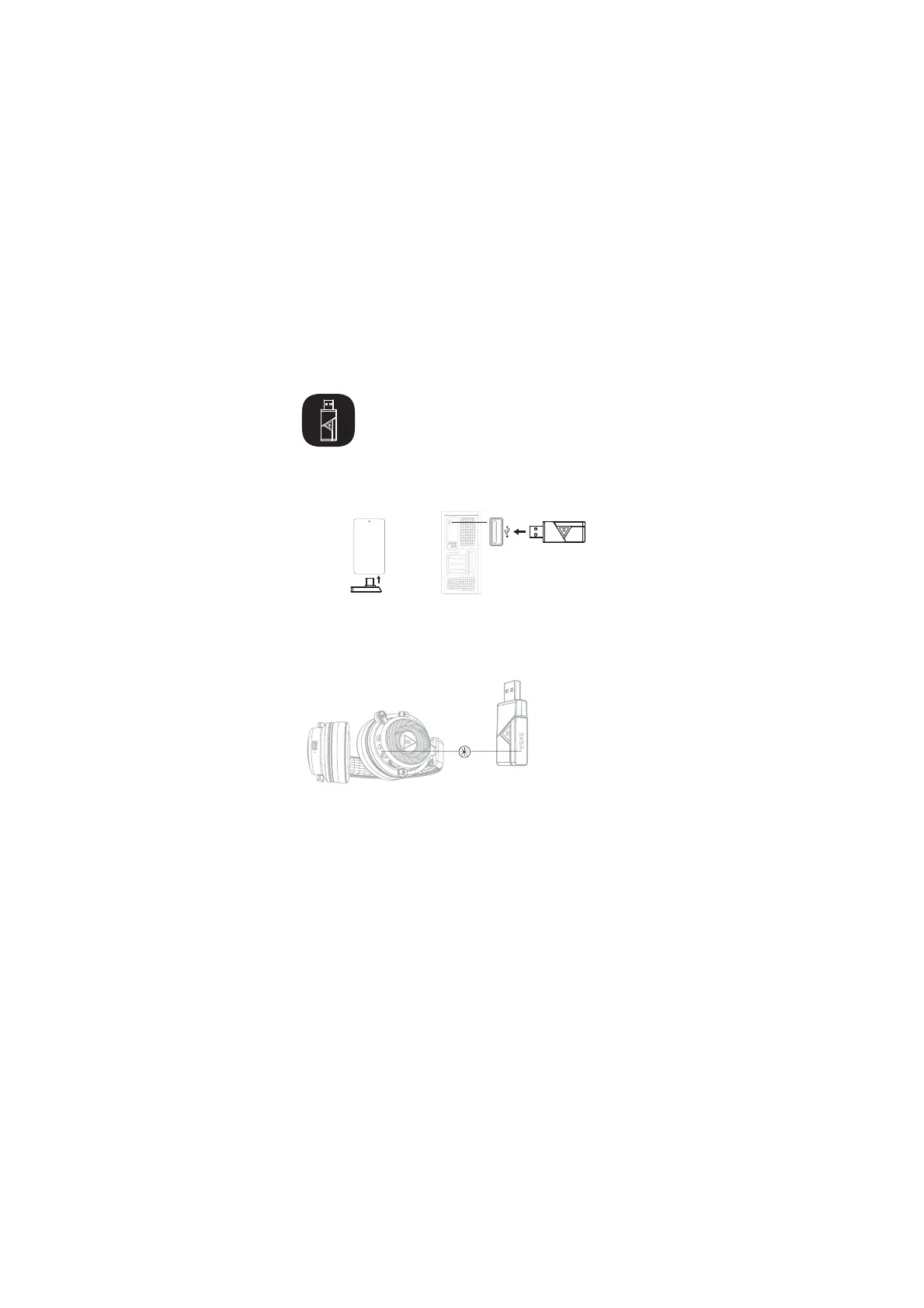
2.4GHz Transmitter Connection
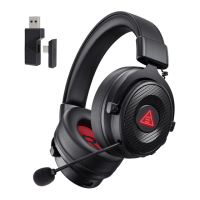
(1) Insert the 2.4GHz transmitter into the computer or mobile phone and
other devices. The adapter will automatically start up and the blue LED
flashes to enter the pairing state.
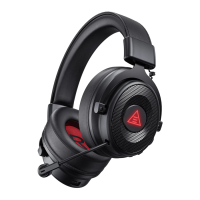
(2) Turn on the headset, and the headset and adapter will be
automatically connected successfully.
(3) After successful connection, the blue light of the headset and the blue
light of the adapter should remain steady on.
Note: When connecting a computer with Bluetooth to the E900 BT, you can
connect through a USB adapter or Bluetooth. Select the audio driver
named EKSA E900 BT for Bluetooth connection, and select the audio driver
named EKSA E900 BT 2.4G for USB adapter.


 To Next Page