1.c List of the devices connected to the application
A selectable list of the devices connected to the application.
On selecting a device in the list, you will see all information in the Information / Interaction Panel.
Has a context menu that allows:
Disconnect a connected device.
Connect a disconnected device.
Remove the device from the list.
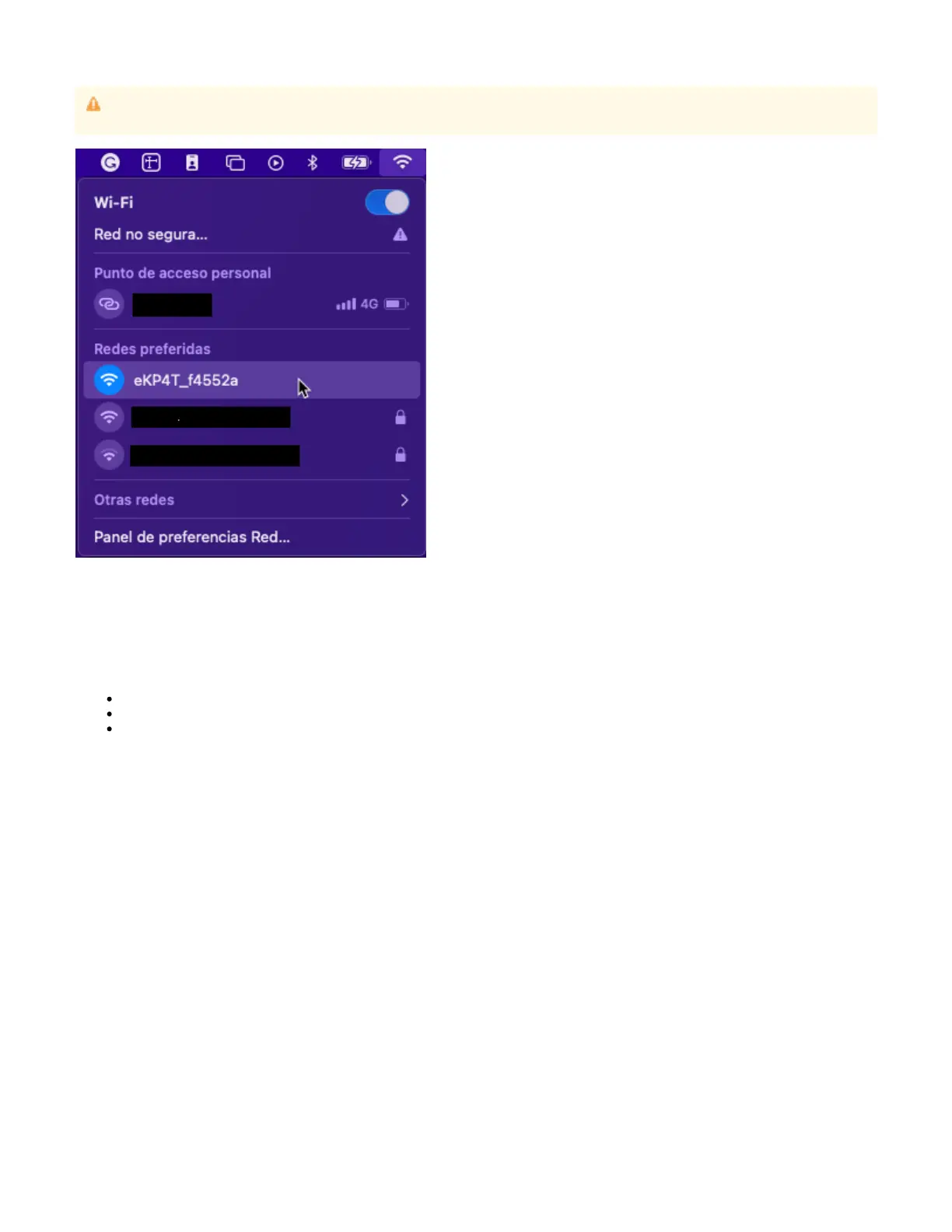
The demo does not provide any feedback when it cannot connect to an device in . Make sure your system is eKP4T Configuration mode
connected to the WiFi hotspot that the device emits as the following image:


 To Next Page