1. VOLUME / MODE
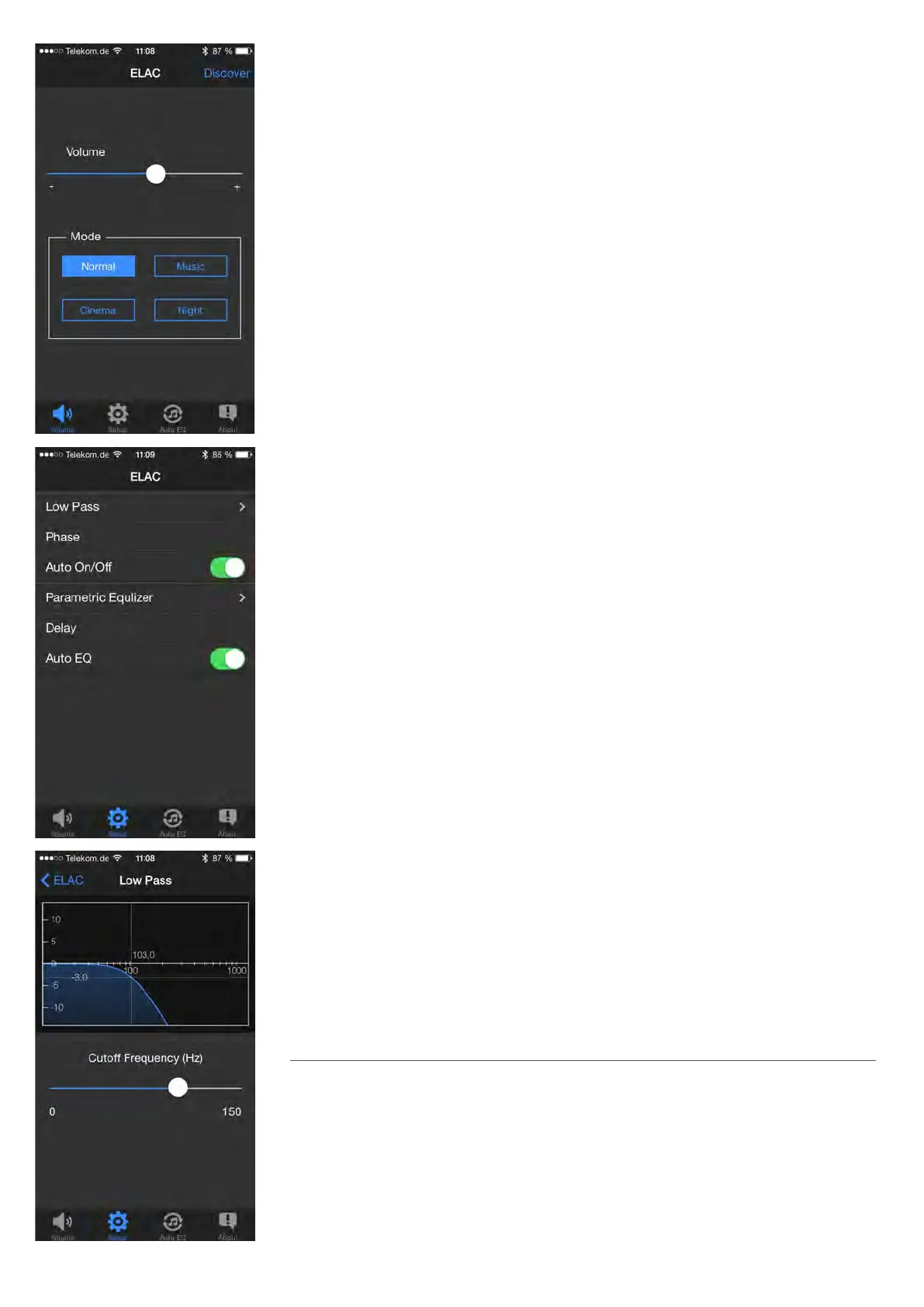
VOLUME: The “Volume” parameter is used to set the volume of the subwoofer. This
setting together with the volume of the other loudspeakers in your HiFi or surround-
sound system should result in a balanced sound. As a general rule, the subwoofer
output should be set so that does not dominate the sound. Excessive bass very quickly
leads to a muddy and vague soundstage.
MODE: Your subwoofer oers 4 dierent sound presets, which you can select using the
“MODE” buttons. “NORMAL” is the linear basic setting that is suitable for most applica-
tions. “MUSIC” adds a subtle emphasis to the low bass range, while “CINEMA” slightly
boosts the “dramatic” bass frequencies around 90 Hz. The “NIGHT” mode reduces the
maximum volume so that you can still enjoy bass reinforcement when listening at night.
2. SETUP
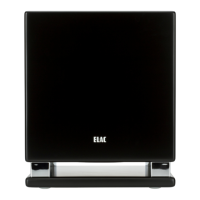
From the “SETUP” screen, you can access the other parameters via sub-menus.
3. LOWPASS
The upper limit of the frequency range that the subwoofer is to reproduce is set using
the „CUTOFF FREQUENCY“ parameter. Audio signals above this cuto frequency are pro-
gressively rolled o by the subwoofer, so that they are no longer audible. The setting for
this cuto frequency depends on the respective loudspeaker conguration on the one
hand, but also on its placement and personal listening taste on the other.
The table below is provided as a rough guide for settings.
Loudspeaker conguration Cuto frequency on the ELAC Subwoofer
Surround-sound system with LFE channel Max
HiFi stereo system with small loudspeakers 80 Hz – Max
Satellite/subwoofer system (stereo) 80 Hz – 100 Hz
HiFi stereo system with larger bookshelf 50 Hz – 70 Hz
loudspeakers, smaller oorstanding loudspeakers
(like most ELAC loudspeakers)
23


 To Next Page