EasyManua.ls Logo

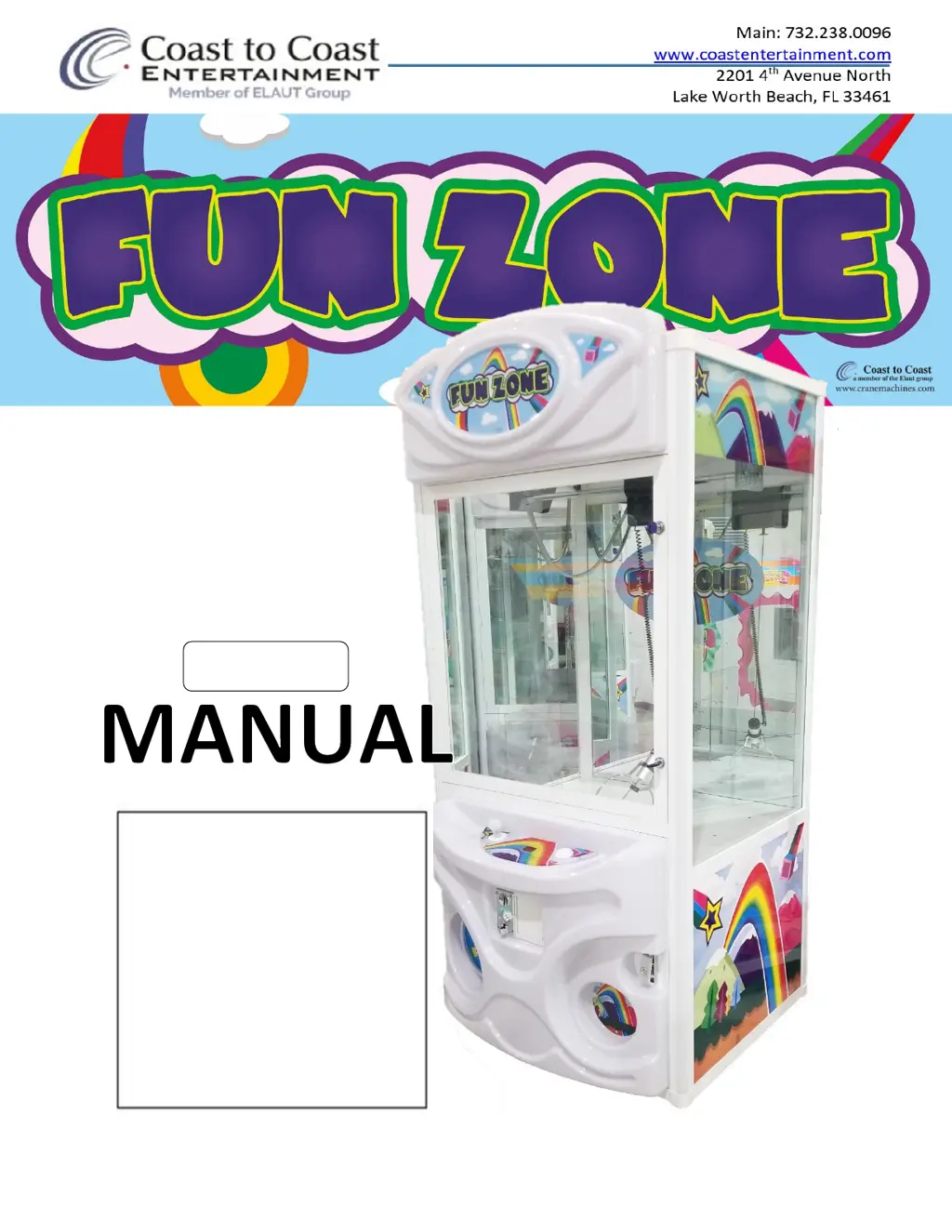
ELAUT Coast to Coast FUN ZONE - User Manual

ELAUT Coast to Coast FUN ZONE
22 pages
Print Icon
To Next Page IconTo Next Page
Loading...
March 2020

Questions and Answers

  • D
    Denise SchmidtAug 3, 2025
    What to do if there is a claw error on ELAUT Coast to Coast FUN ZONE Arcade Game Machines?
    • C
      Charles JohnsonAug 3, 2025
      If you're experiencing a claw error, begin by inspecting the Claw fuse. Next, examine the DC Coil inside the claw. Finally, make sure that the string isn't stuck.
  • N
    Nancy BennettAug 7, 2025
    What to do if I get a Coin Mech 1 Error on my ELAUT Arcade Game Machines?
    • N
      Nichole SmithAug 7, 2025
      If you're getting a Coin Mech 1 Error, verify that the coin mech is set to “NO” (normally Open). Also, inspect the wiring harness for any breaks.
  • H
    heather31Aug 11, 2025
    How to fix ELAUT Arcade Game Machines Main Controller Error?
    • T
      Thomas FryAug 11, 2025
      To address a Main Controller Error, first check that the board is receiving the correct voltages. Then, check for floating grounds. If the issue persists, try changing the RAM IC chip.
  • L
    Lucas NobleAug 16, 2025
    What to do if the drop button is stuck on ELAUT Coast to Coast FUN ZONE Arcade Game Machines?
    • T
      Tracey ParkAug 16, 2025
      If the drop button is stuck, first, check that the button switch is wired properly. Next, check for any obstruction to the switch. If needed, replay the button.
  • W
    wgravesAug 20, 2025
    What causes the Up/Down Motor Error in ELAUT Arcade Game Machines, and how can I fix it?
    • T
      Thomas ZamoraAug 20, 2025
      If you're encountering an Up/Down Motor Error, check the up and down limit switches inside the claw gantry. Also, check that the motor is connected and turning on.
  • Z
    zespinozaAug 25, 2025
    How to troubleshoot Forward/Back Motor Error on ELAUT Arcade Game Machines?
    • J
      Jake Howell MDAug 25, 2025
      To troubleshoot a Forward/Back Motor Error, check the forward and back limit switches on the claw gantry. Also, check that the motor is connected and turning on.
  • M
    Michelle YoungAug 28, 2025
    How do I resolve a Left/Right Motor Error on ELAUT Arcade Game Machines?
    • C
      Carl PerkinsAug 28, 2025
      To resolve a Left/Right Motor Error, check the left and right limit switches on the claw gantry. Additionally, check that the motor is connected and turning on.

Summary

Main Components

Game Setup and Assembly

Assembly and Unpacking

Procedure for removing packing materials and ensuring the game machine is stable and ready.

Mounting the Header

Instructions for feeding wires through designated holes and securing the header unit to the main machine.

Claw Strength and Game Behavior

Claw Strength Setup

Guide for adjusting the claw's grabbing power using VR1 and VR2 potentiometers.

Game Sequence and Behavior

Description of the machine's boot-up sequence, including music, lights, and self-test operations.

Programming and Dip Switch Settings

Dip Switch Configurations

Detailed settings for Dip Switches 1 through 4, controlling various game parameters and functions.

Fare Play and Controller Operation

Controller Interface and Navigation

How to use the Stage 1 hand controller's dial and display screen to navigate menus.

Save Configuration and Play

Option to save current game configurations and settings via the controller menu.

Game Counters

Accessing game statistics such as lifetime earnings, games played, and coin/bill counts.

Test System Operations

Using the test system for diagnostics of gantry, claw, sensor, and other machine functions.

Error Codes and Troubleshooting

Troubleshooting Specific Errors

Detailed guidance for diagnosing and resolving common error codes related to motors, coin mech, and sensors.

Key Components

Stage One Controller Board

Information on the main controller board's part number, location, and default switch settings.

RGB Light Controller Board

Details on the RGB controller board used for synchronizing cabinet lighting across multiple machines.

Wiring Diagram and Connectors

J1 25 Pin Connector Wire List

Comprehensive list of pin descriptions and reference numbers for the J1 D-Type connector.

Wire Color Codes and Pinouts

Mapping of wire colors to component descriptions and pin assignments for various connectors.

Connector Pin Assignments

Detailed pin assignments for power, speaker, sensor, coin selector, and joystick connectors.

Display Connector Pin Assignments

Pin details for J7 and J10 display connectors, including 7-segment and 8-digit display assignments.

ELAUT Coast to Coast FUN ZONE Specifications

General IconGeneral
BrandELAUT
ModelCoast to Coast FUN ZONE
CategoryArcade Game Machines
LanguageEnglish

Related product manuals