4
MODELS WITH ANALOGUE 60’ TIMER
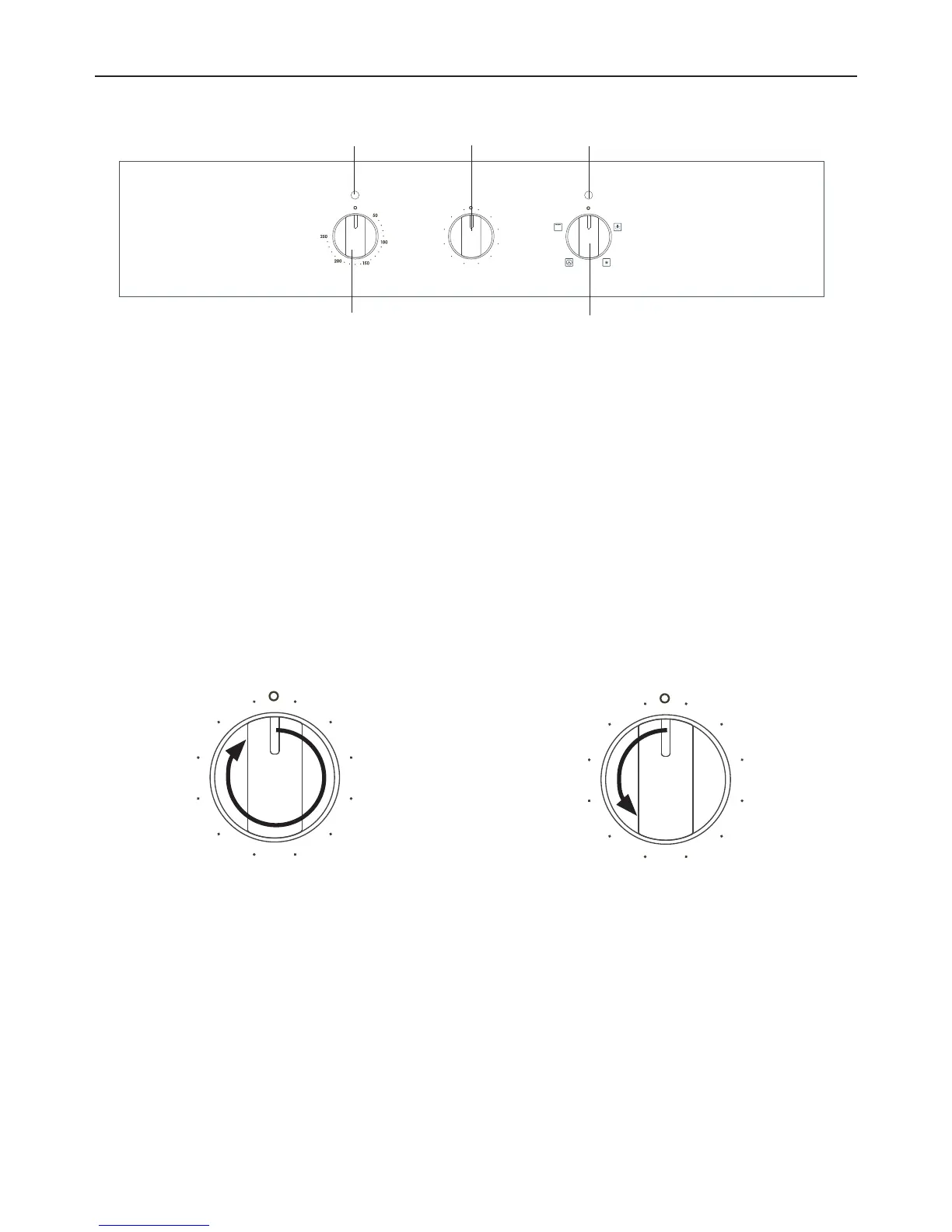
OVEN CONTROLS AND USING THE ANALOGUE 60’ TIMER
FUNCTION
TEMPERATURE TIMER
555
1050
1545
2040
2535
30
Temperature
knob
Function
knob
Analogue 60’
timer
Temperature
indicator light
Function indicator
light
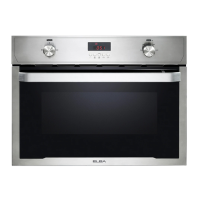
Fig. 1 Control panel – Three-function models with analogue 60’ timer
Fig. 2 Setting the analogue 60’ timer
Using the analogue 60’ timer
You can use the analogue 60’ timer at any time, even when the oven is not in use.
IMPORTANT!
The timer does NOT turn the oven off.
To set the timer
1 Turn the timer knob clockwise all the way
around to the 0 mark
(60-minute countdown).
When the timer is set
●
The timer will immediately start counting down: you will see the knob slowly rotating
anti-clockwise towards the O mark.
●
To cancel the setting, turn the knob anti-clockwise back to the O mark.
When the set time is up
The timer will ring.
2 To set the timer to less than 60
minutes, turn the knob anti-clockwise
to the required length of time.
555
1050
1545
2040
2535
30
555
1050
1545
2040
2535
30



 To Next Page