6
MODELS WITH THREE-BUTTON CLOCK
OVEN CONTROLS AND SETTING THE CLOCK
Buttons
sets the clock, shows the time of day when
oven is cooking with auto-off set
decreases time and beep volume
increases time
Illuminated symbols
To set the clock
When the power to the oven is turned on or restored after a power failure,
will
flash in the display.
1 Press .
2 Press and until you have the correct time of day.
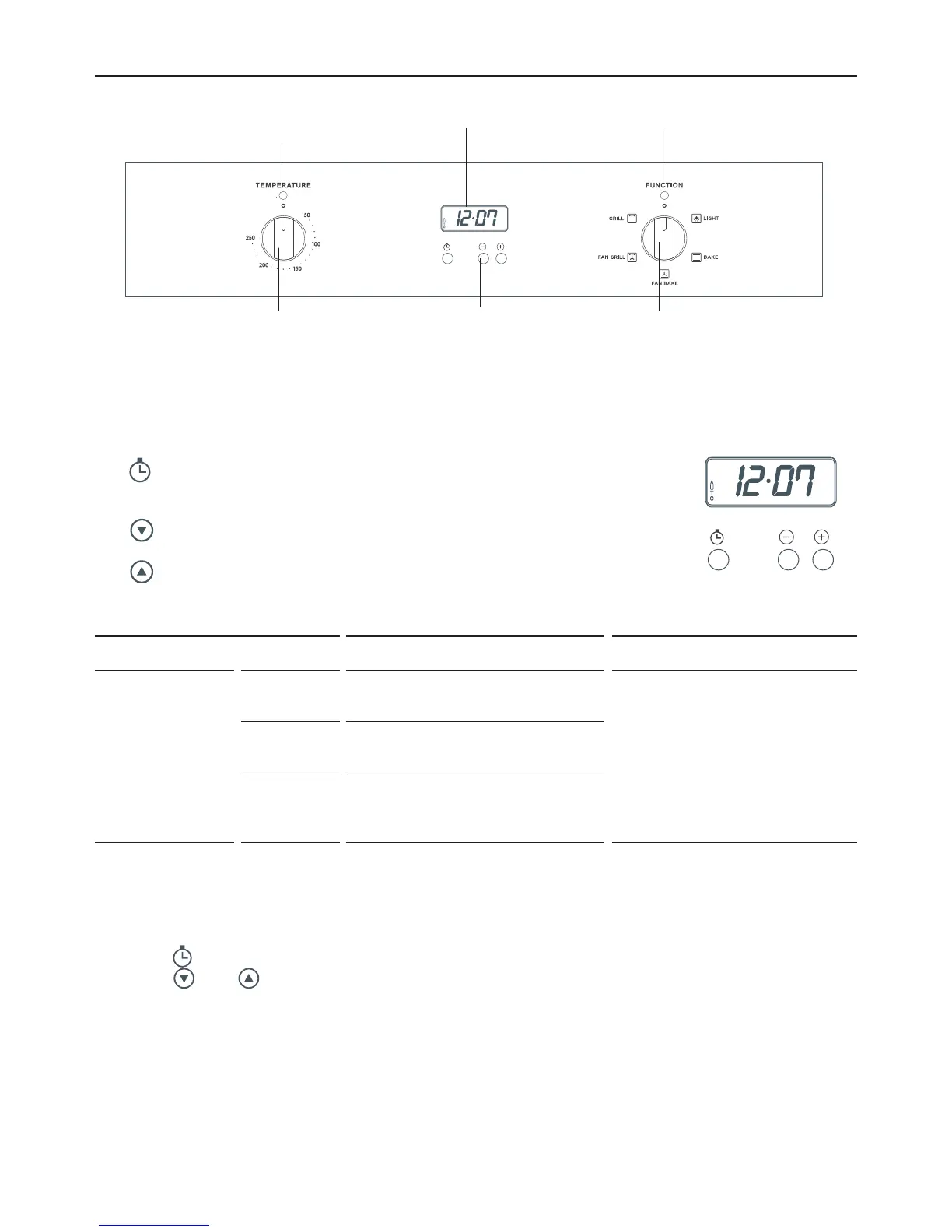
Fig. 6 Clock display and
control buttons
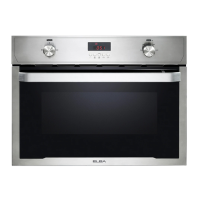
Control buttonsTemperature knob Function knob
Clock display
Temperature
indicator light
Function indicator light
Fig. 5 Control panel – Four-function models with side-opening door
IF THE DISPLAY SHOWS IT MEANS THAT FOR MORE INFORMATION
A
U
T
O
Flashing The oven is ready to be set
for cooking with auto-off.
See section ‘Cooking with
auto-off’
Steadily
lit
The oven is set for cooking
with auto-off.
Flashing
and
Beeping
Cooking with auto-off has
finished.



 To Next Page