6
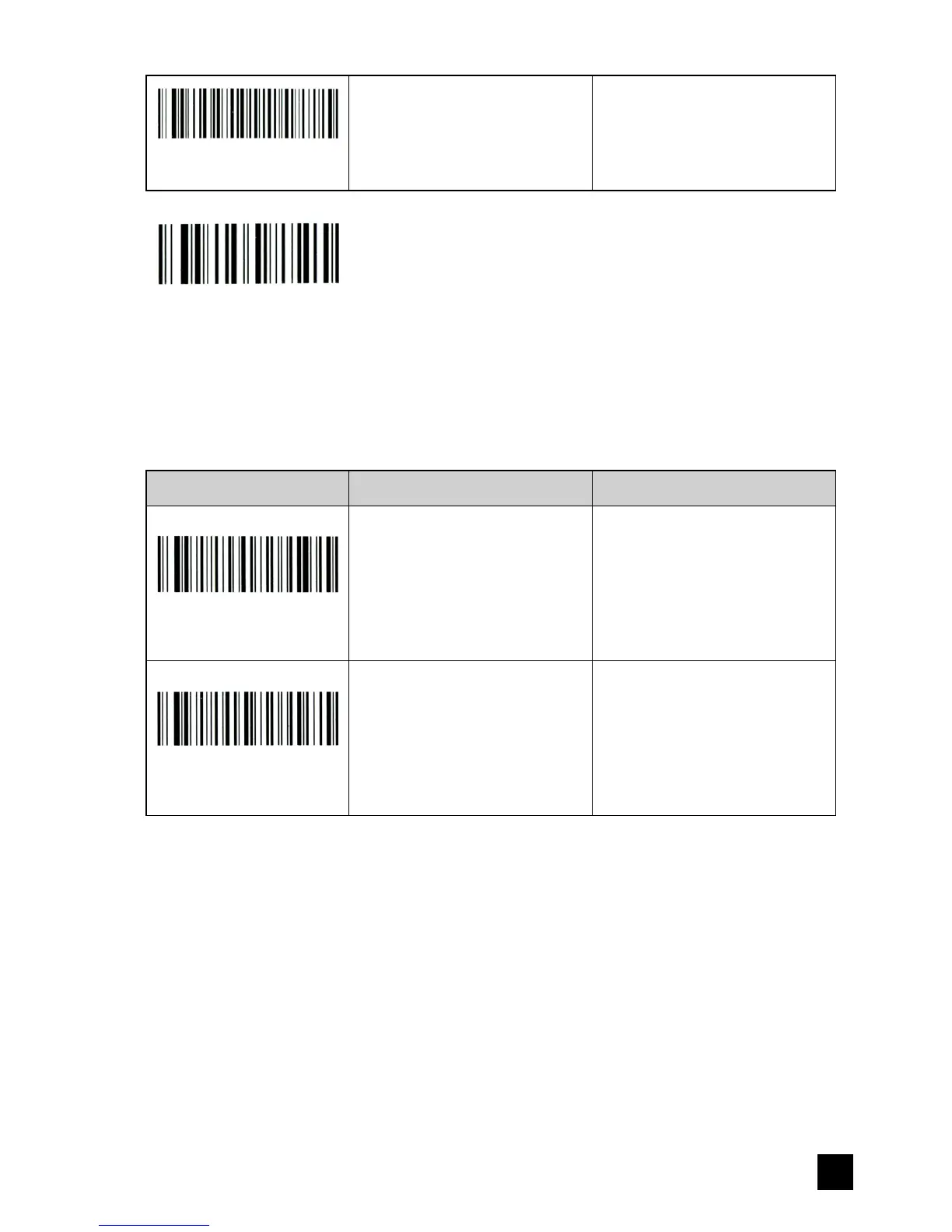
Restore all original
receiver settings
Restore this module to
original settings.
Save & Exit
Note: After a programming operation, the reader will emit beeps and the light will ash to indicate
association to the base. Put the reader close to the base. Unplug the base for a few seconds
then plug it back. The light and the beeper will stop on a successful setting. Then the reader will
perform on the new setting.
Repeated code detection setting
Setting code Function Description
Enable repeated code
detection
Enable repeated code
detection.
Note: this setting will be
automatically saved and
remain effective after power
failure.
When this function is
activated, the scanner will
give an error alarm with 5
beeps and automatically
cancel the last repeated
code if a repeated code is
scanned.
Disable repeated code
detection
Disable repeated code
detection.
Note: this setting will be
automatically saved and
remain effective after power
failure.


 To Next Page