107
RX CW IIR Filters (50-200 Hz)
When this menu entry is set to ON, the four narrowest CW filters
(50/100/150/200 Hz) will have much steeper skirts. These filters are of
type IIR (Infinite Impulse Response), which have a different shape
factor than the normal FIR filters (Finite Impulse Response). The
default is ON since steeper skirts provide better QRM rejection in
dense CW signal situations, such as contests. However, at higher CW
speeds (above 25 WPM), the narrowest two IIR filters (50/100 Hz) may
degrade copy due to time delays. In this case, either turn off IIRs or
uses 150 Hz and wider.
Note: The center pitch of IIR filters has increments of 50 Hz, while
sidetone pitch is adjustable in 10 Hz steps. Selecting a sidetone pitch
that's a multiple of 50 Hz will provide better passband alignment when
the narrowest filter is used (50 Hz bandwidth).
RX Dyn. Range Optimization
The default value of this parameter (ON) sets up the K4's ADCs
(analog-to-digital converters) for best dynamic range. Setting it to OFF
will slightly improve sensitivity in the preamp-off case; this may be
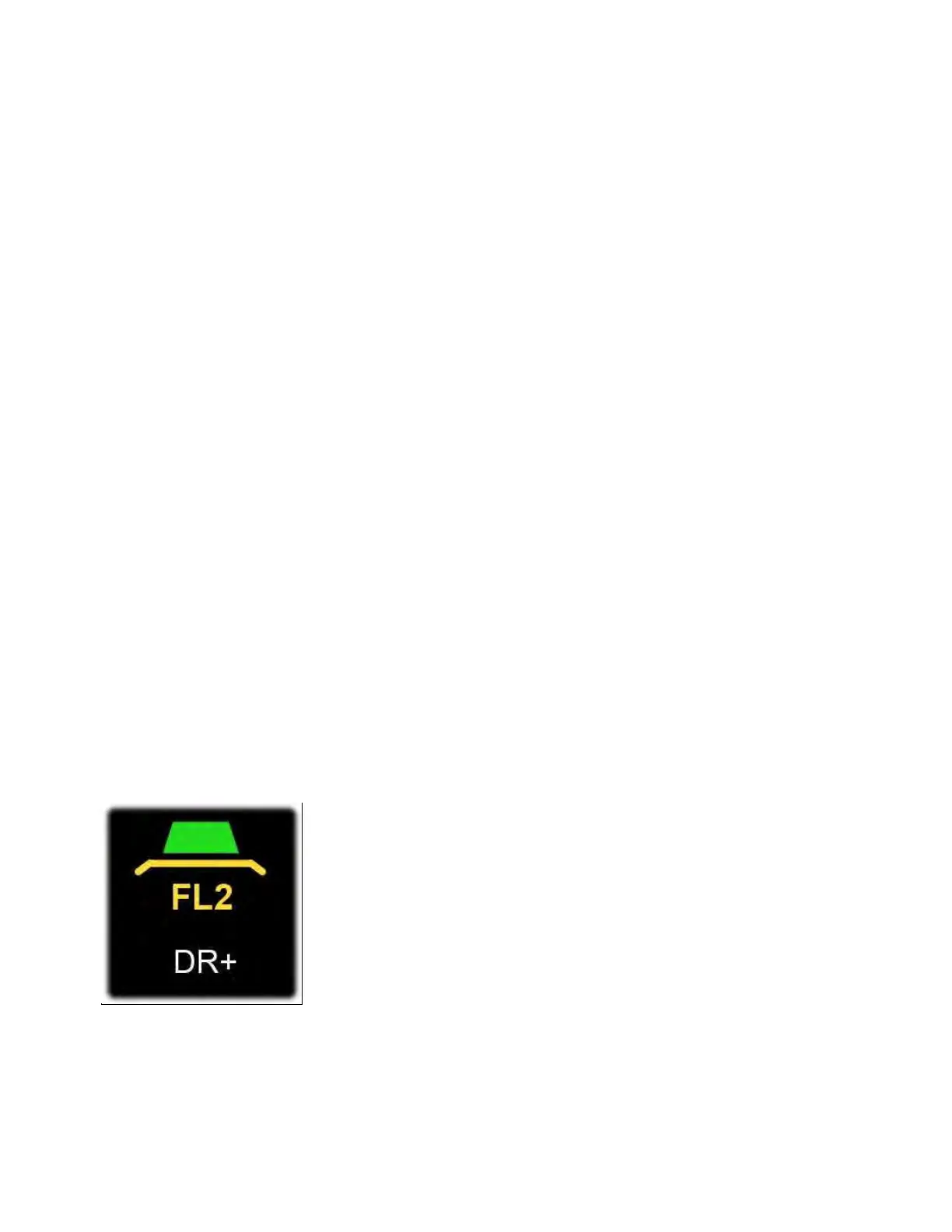
useful on the highest bands. When dynamic range optimization is ON,
the DR+ icon appears below the sub receiver filter graphic as shown
below:
Technical note: The ON setting turns on the ADC's dithering and digital
interface randomization, both of which help linearize the ADC in the
presence of strong signals. Thus the DR+ icon represents
both Dynamic Range and Dither/Random.



 To Next Page