65
station's noise floor. Lower gain or added attenuation will reduce the
possibility of receiver overload in the presence of extremely strong
signals.
• Preamp (PRE): Tap [PRE] to cycle through preamp OFF, PRE1, and
PRE2. PRE2 provides the highest gain and lowest noise figure on a
given band. On 12, 10, and 6 meters, there's an optional PRE3 setting
that provides an even lower noise figure for extreme weak-signal
work. To enable PRE3, use MENU:Preamp 3 (12/10/6).
• Attenuator (ATTN): Hold [ATTN] to bring up the attenuator controls
(on/off and level). Attenuation varies from 0 to 21 dB in 3 dB steps.
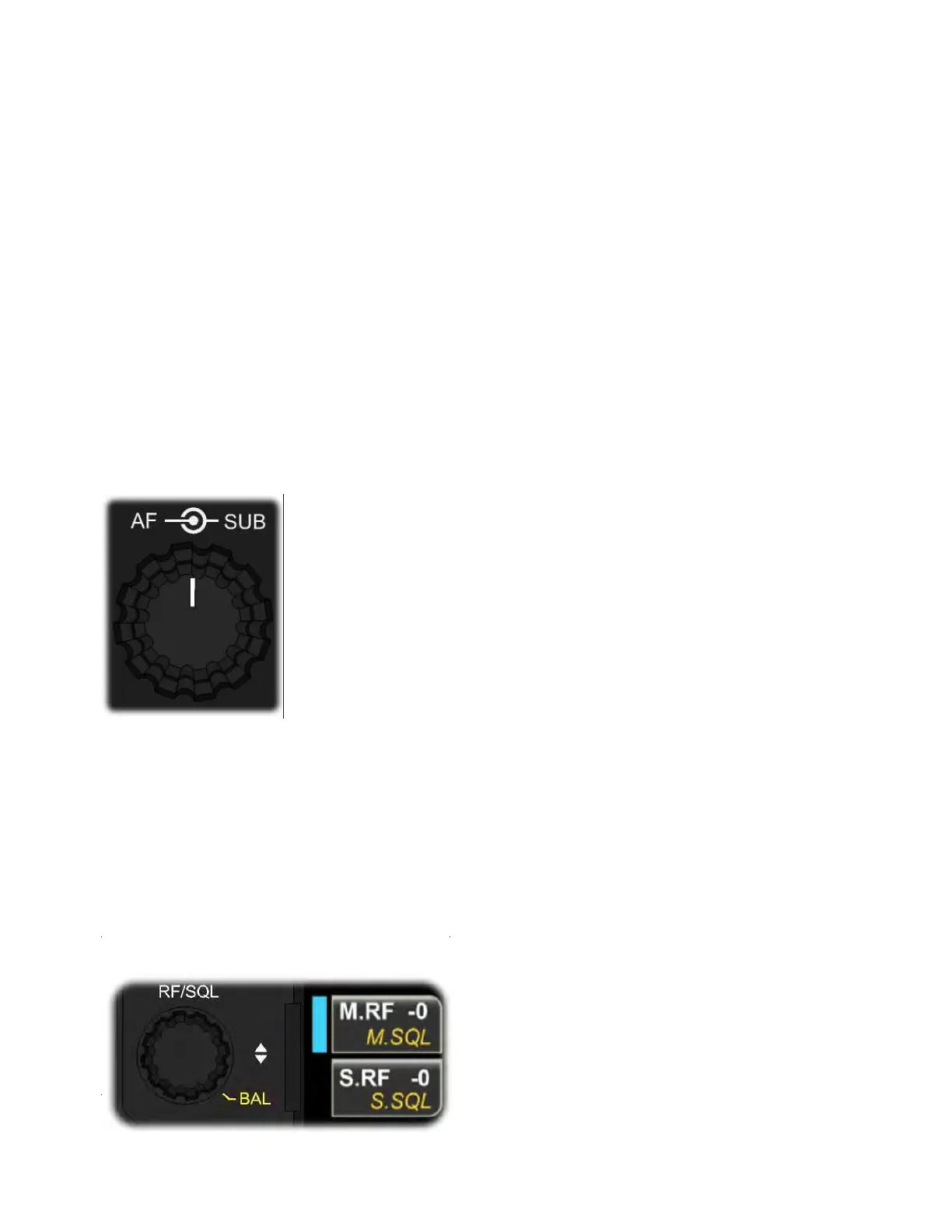
AF Gain
AF gain is set using {AF/SUB}, a dual-concentric control to the right of
the mic jack.
• Rotate the small inner concentric knob to adjust main receiver AF gain.
• Rotate the large outer concentric knob to adjust sub receiver AF gain.
RF Gain, Squelch, and Main/Sub Balance
These settings are adjusted using the {RF/SQL} knob.



 To Next Page