66
The default value for the RF gain controls is 0 (no reduction in RF gain).
Counter-clockwise rotation of the knob increases attenuation (reduces
gain) from 0 to -60 dB.
Some operators prefer to control receiver gain using the RF gain
control rather than AF gain control, in order to keep signals from
activating AGC. AGC can even be turned completely off, in which case
manual RF gain reduction becomes mandatory. (To turn AGC off, tap
<MAIN RX> or <SUB RX>, then hold <AGC>. When AGC is off, the
MENU:AF Limiter setting applies. Adjust to the desired signal clipping
threshold.)
• To adjust main receiver RF gain, use {RF/SQL} <M.RF>.
• To adjust sub receiver RF gain, use {RF/SQL} <S.RF>.
The default value for the squelch controls is 0 (squelch completely
open). Squelch is usable in all modes if MENU:RX All-Mode Squelch is
set to ENABLED. Otherwise squelch pertains ol to FM Mode.
• To adjust main receiver squelch, use {RF/SQL} <M.SQ>.
• To adjust sub receiver squelch, use {RF/SQL} <S.SQ>.
Hold the {RF/SQL} knob to access the [BAL] (balance mode) controls.
Tapping the <SUB AF> button changes its label from = NOR (normal)
to =BAL. This assigns the SUB AF gain knob (below RF/SQL) to left/
right audio balance control; the MAIN AF knob then sets overall gain
for both receivers. When balance mode is off (SUB AF = NOR), the SUB
AF knob assumes its normal function, control of sub receiver audio
level.
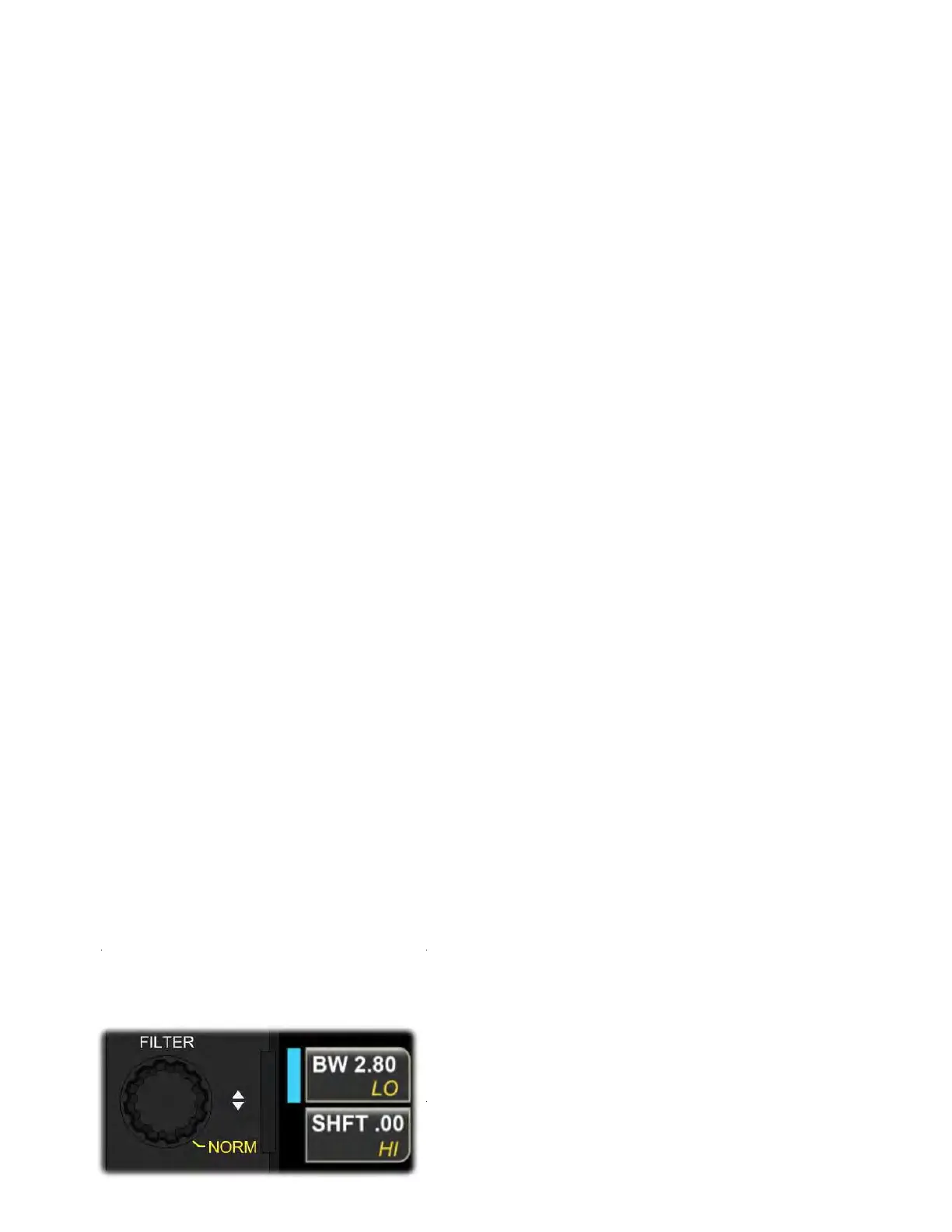
Filter Passband Controls
The filter passband is shown visually by graphics adjacent to each S-
meter. The {FILTER} multifunction knob is used to set passband width
and shift (or hi-cut/lo-cut) on a per-mode basis.



 To Next Page