67
Tap the knob to alternate between <BW> (or <HI> cut) and <SHFT> (or
<LO> cut). Hold the knob to select the [NORM] (normalized) passband
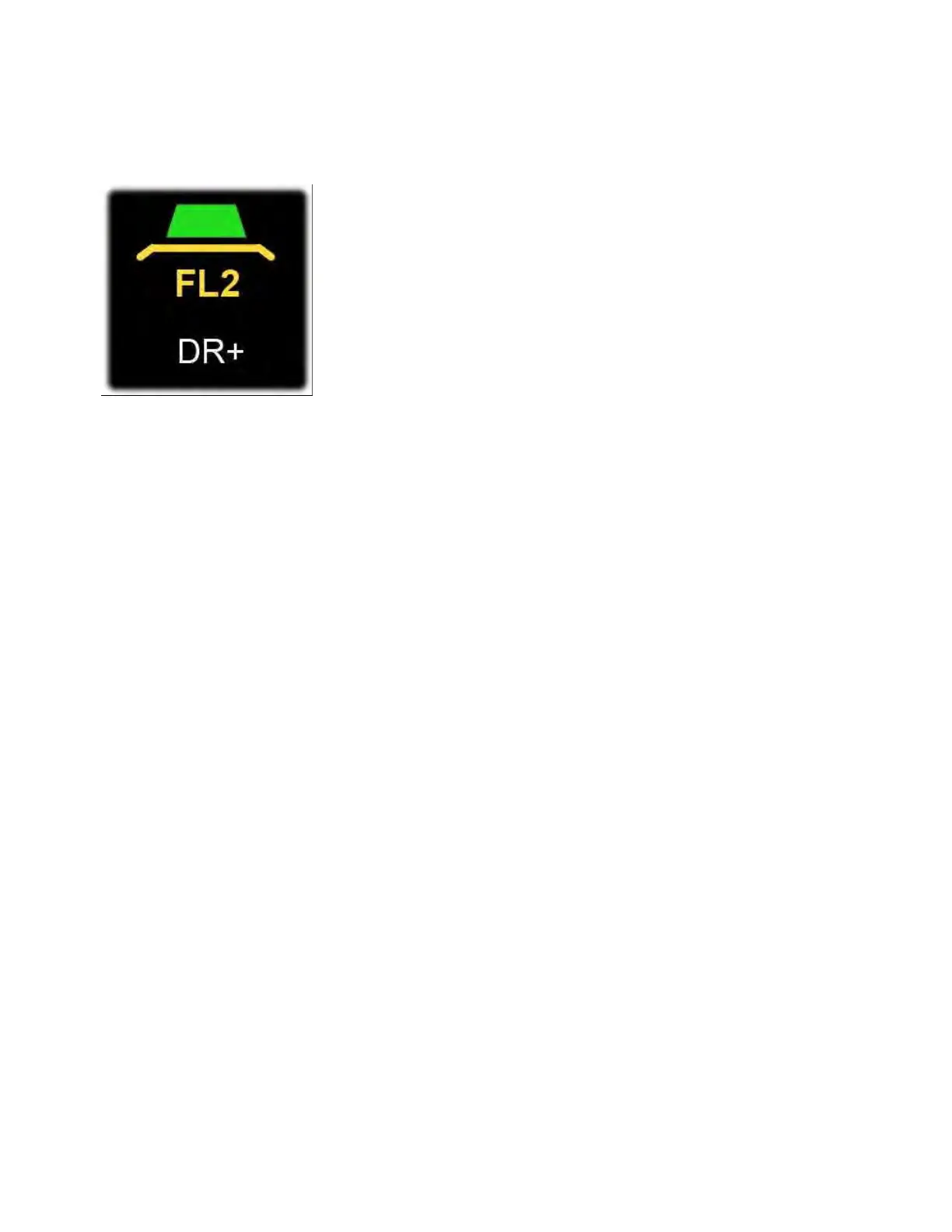
for each mode. When the passband is normalized, two "wings" appear
on each side of the filter graphic as shown below:
Additional information on filter controls:
• {FILTER} controls normally apply to the main receiver. To target the
sub receiver directly, tap [B SET] or <SUB RX> first.
• Filter Preset (FIL): Tap [FIL] to cycle through presets 3/2/1 (wide,
medium, narrow). You can also select presets by tapping the filter
bandwidth graphic adjacent to each S-meter.
• Audio Peaking Filter (APF): Hold [APF] to turn the CW audio peaking
filter on/off. To choose the APF bandwidth, tap <MAIN RX> or <SUB
RX>, then tap <APF BW>.
Noise Reduction Controls
The following three controls can be used to reduce noise and
interference.
Note: Since the K4 is an SDR (software-defined radio), new noise
remediation algorithms can be added as they become available.
• Noise Blanker (NB): Tap [NB] to turn the noise blanker on/off, or
hold [LEVEL] to bring up the noise blanker controls (on/off, filtering
mode, and level). As with all noise blankers, you should use the lowest
effective setting to minimize any audible artifacts. If you hear audio
artifacts such as "pumping" or modulation when the NB is turned on,
try changing the NB filter mode from "NONE" to "NARROW" or



 To Next Page