74
• Tap the <DISPLAY> primary function button. This brings up a
secondary function button row comprised of all panadapter controls.
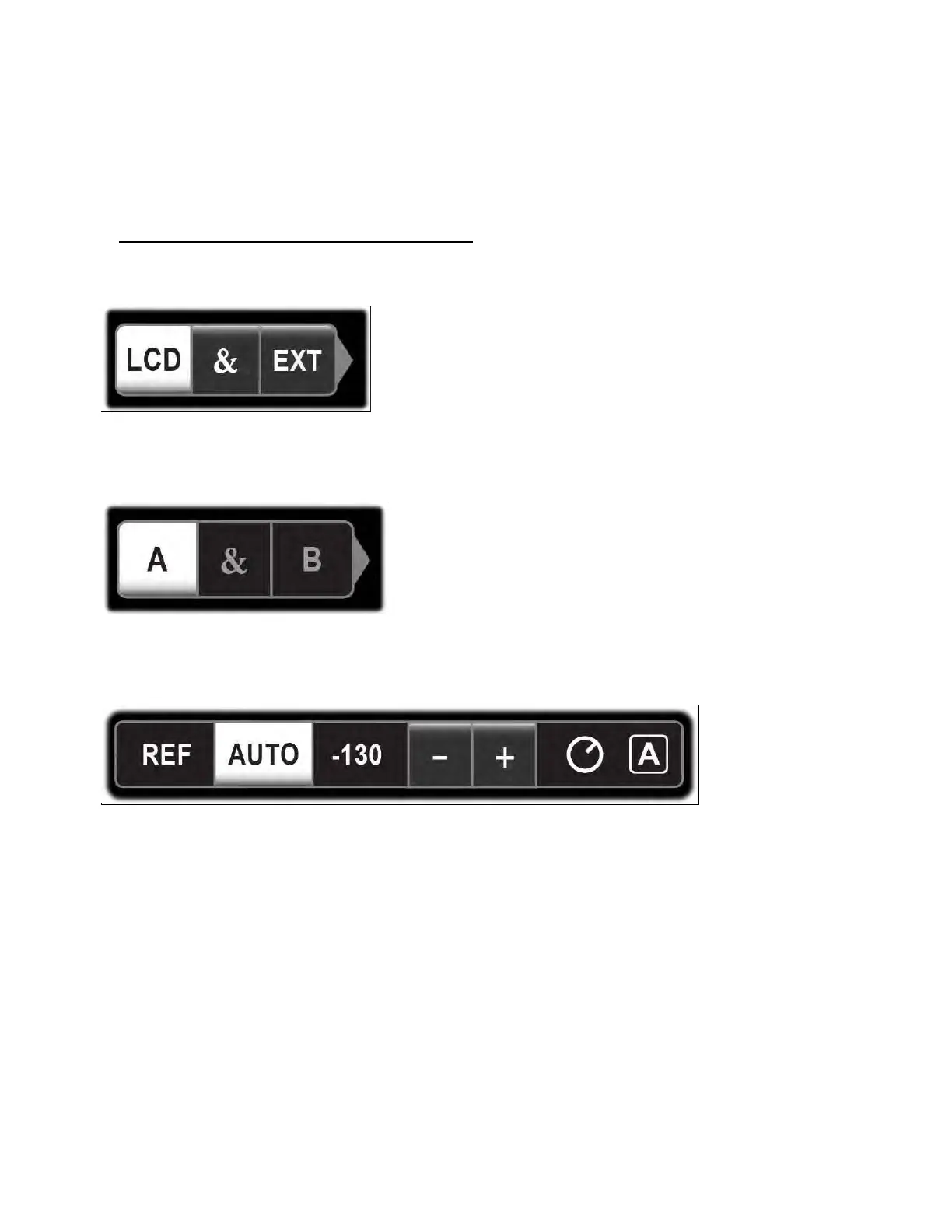
In the row above these, three controls will be shown: (1) LCD / & / EXT
select buttons; (2) panadapter A / & / B select buttons; (3) parameter
adjustment field.
• If an external monitor is connected, use the LCD / & / EXT buttons
(shown below) to specify which display parameter changes will be
applied to ("&" = apply to both).
• Use the A / & / B buttons (shown below) to specify which
panadapter display the operation will be applied to ("&"= apply the
operation to both).
• Tap or hold the desired panadapter function (example shown below).
Some controls take effect immediately, such
as <CENTER> and <FREEZE>. Others require adjustment using VFO A.
All subsequent display operations will apply to the selected display
and panadapter until changed.
Panadapter Controls List
<PAN>: Selects single panadapter (PAN = A or PAN = B) or dual (PAN =
A+B). If dual pan is selected, then you also need to specify whether
parameter changes are to be applied to panadapter A, B, or both (see
above).



 To Next Page