78
(mono). When using headphones or dual external speakers, main
receiver audio will appear in the left channel, and sub receiver audio
in the right.
Also see the RX Audio Mix with Sub ON menu entry. This allows you to
specify how much of the main and sub receiver audio is mixed into
left- and right-channel audio, useful for SO2V operation.
Dual Receive with K4D/K4HD
The K4D and K4HD models include a fully independent second receiver
module (KRX4), with its own set of band-pass filters, preamps, and
attenuators. If this module is installed, the K4 will use its filtering to
maximize receive performance.
For example, if the receivers are on two different bands, the KRX4
module will be turned on, so that both bands will have the benefit of
band-pass filtering. (On a basic K4, putting the receivers on different
bands requires bypassing the bandpass filters, reducing out-of-band
signal rejection on both receivers.)
Another advantage of the K4D comes into play with transverters. It
allows simultaneous receive on HF-6 meters on one receiver, while
listening to a transverter band (with its own antenna) on the other.
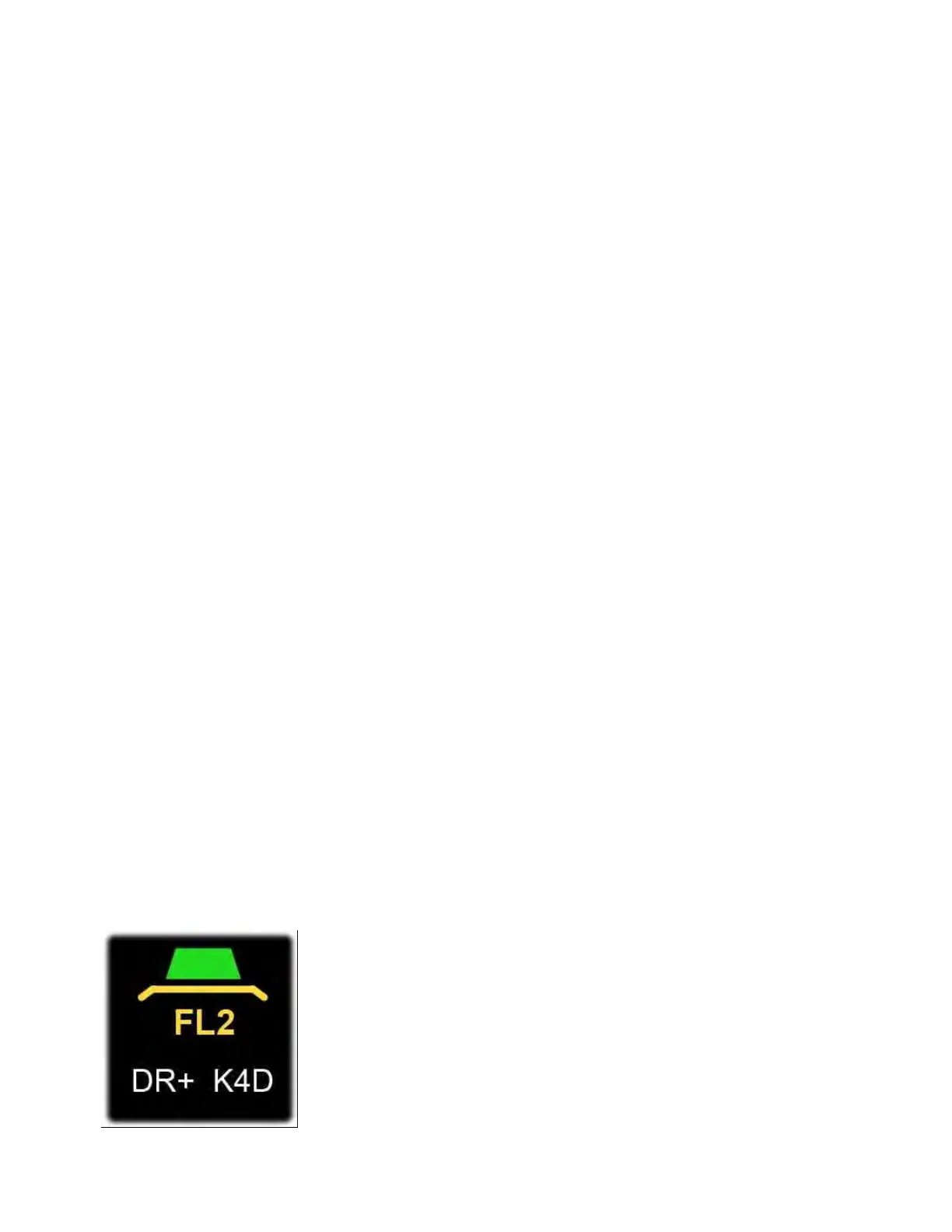
When the KRX4 module is in use, the K4D icon (to the right of the
RIT/XIT box) illuminates. See image below, which shows both the DR+
(dynamic range optimization) and K4D icons turned on.



 To Next Page