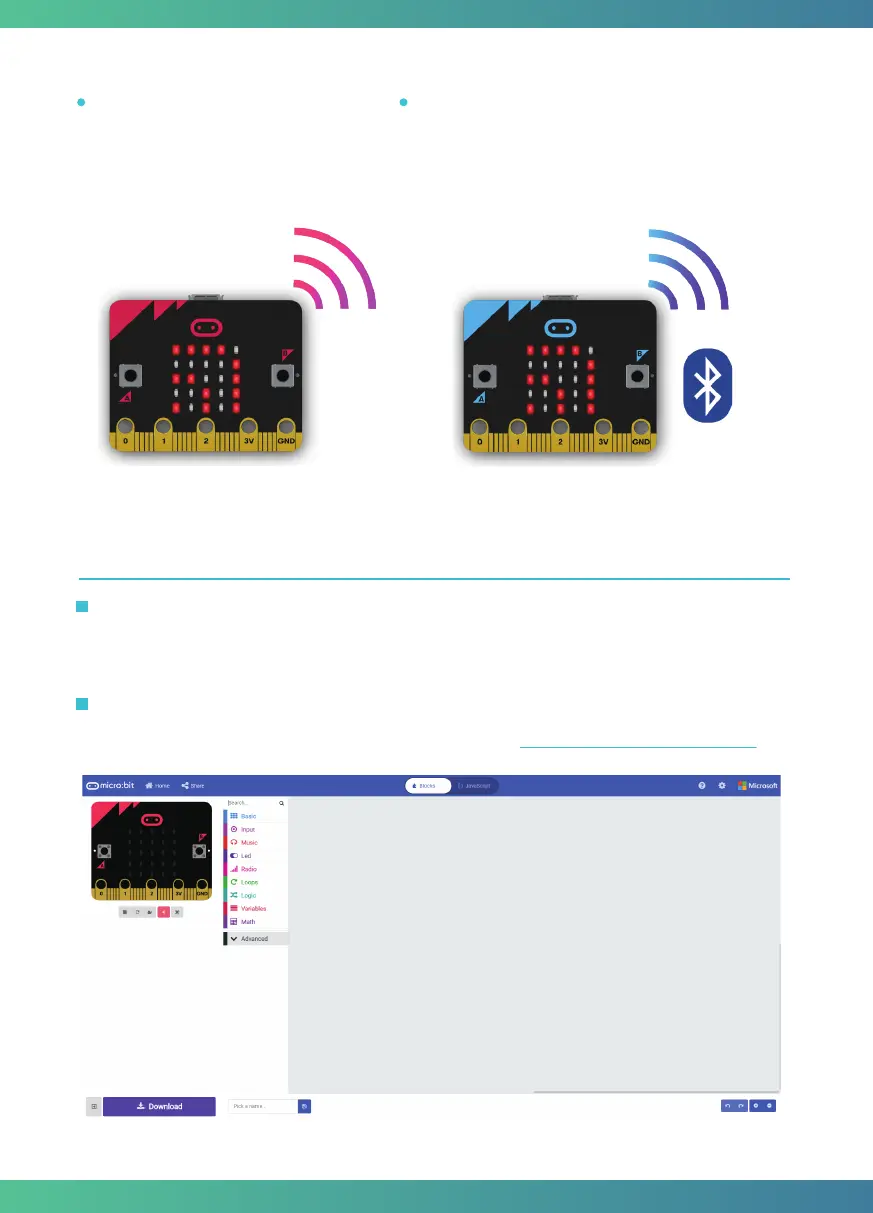
Bluetooth: The Bluetooth Low Energy antenna
allows the micro:bit to send and receive Bluetooth
signals, you can wirelessly communicate between
micro:bit and phones, PCs, or tablets. You need to
pair your micro:bit with another device before using
the Bluetooth antenna.
Radio: The radio feature allows you
to communicate wirelessly
between two or more micro:bits.
Quick start
Step 1. Connect it
Connect the micro:bit with your computer via a USB cable, then your micro:bit will show up on
your computer as a drive called “MICROBIT”.
Write your micro:bit code by using the official online editor https://makecode.microbit.org/
Step 2. Program it
4



 To Next Page