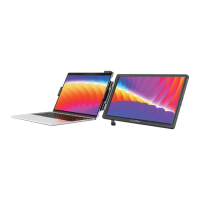
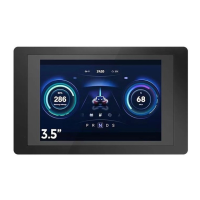
Take the Raspberry Pi 5 for example.
Step 3: Connect the assembled Raspberry Pi 5 to the CrowView Note.
Step 2: Connect the Bridge Board B to the
Raspberry Pi 5 and the Bridge Board A.
Step 1: Connect the Raspberry Pi 5 to the Bridge Board A.
If you don't have the Bridge Boards, you can also connect the Raspberry
Pi 5 to the CrowView Note using the corresponding cables.
Note: The two Bridge Boards are only available for the Raspberry Pi 5
and the Bridge Boards are required to be purchased separately.
05 How to connect the Bridge Board
OSD
Signal
Raspberry Pi 5
Micro HD
USB A
USB A USB A
Mini HD
Type-C
Micro HD
Type-C
Adapter Board A
Bridge Board B
Top View
Main View
Bridge Board B
Bridge Board A
< 5 >


 To Next Page