16
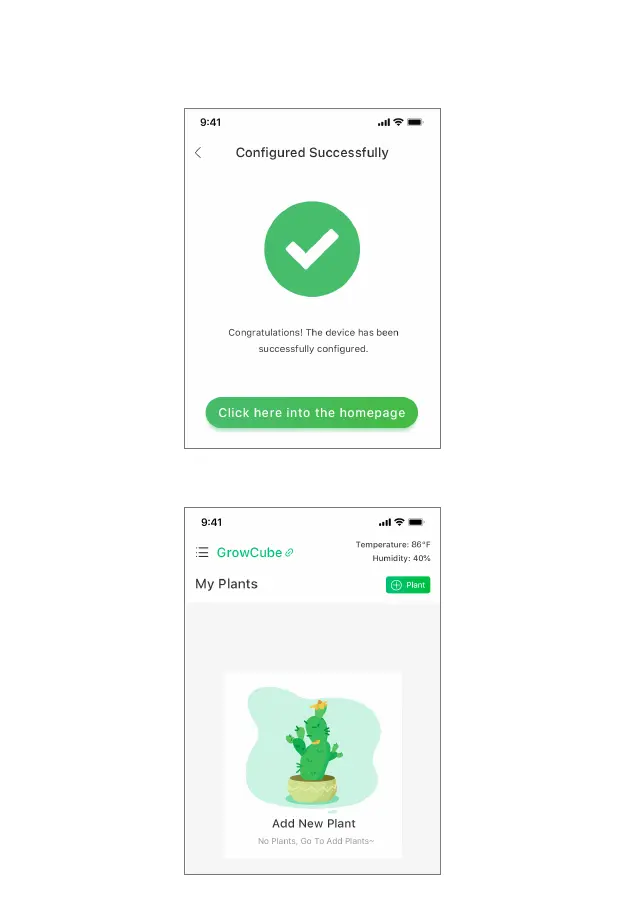
• 4. After the network configuration successfully saved, enter the Configured Successfully page
and generate the device name. The name can be renamed according to your preferences. At this
time, the blue indicator on the front of GrowCube is solid.
• 5. Click "Click here into the homepage" to enter the Home page of the GrowCube APP and start
your smart maintenance journey.



 To Next Page