18
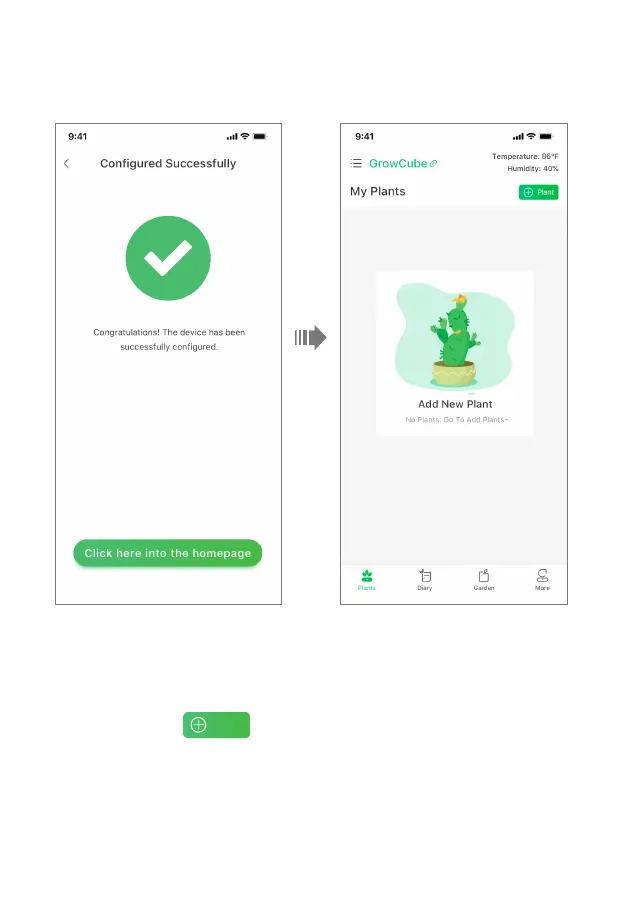
• 2. After the device is successfully connected to the mobile phone, enter the Configured
Successfully page, generate the device name, click "Click here into the homepage" to enter the
GrowCube APP home page.
2.3 Watering Parameter Settings
• 1. Add Plants
On the Plants page,click to add plants. Do not add exceed four plants.
• 2. Choose Water Outlet
According to the soil moisture sensor interface and water outlet used by the added plant, select the
corresponding watering outlet in the APP. Note that the soil moisture sensor interface should be
paired with the water outlet. In this example, the soil moisture sensor of A is used, so it is necessary
to choose a as the plant watering outlet accordingly.



 To Next Page