EasyManua.ls Logo

Elecrow GrowCube - 2.1.2 Install APP; 2.2 Network Configuration; 2.2.1 Networking Mode

Default Icon
50 pages
Print Icon
To Next Page IconTo Next Page
To Previous Page IconTo Previous Page
Loading...
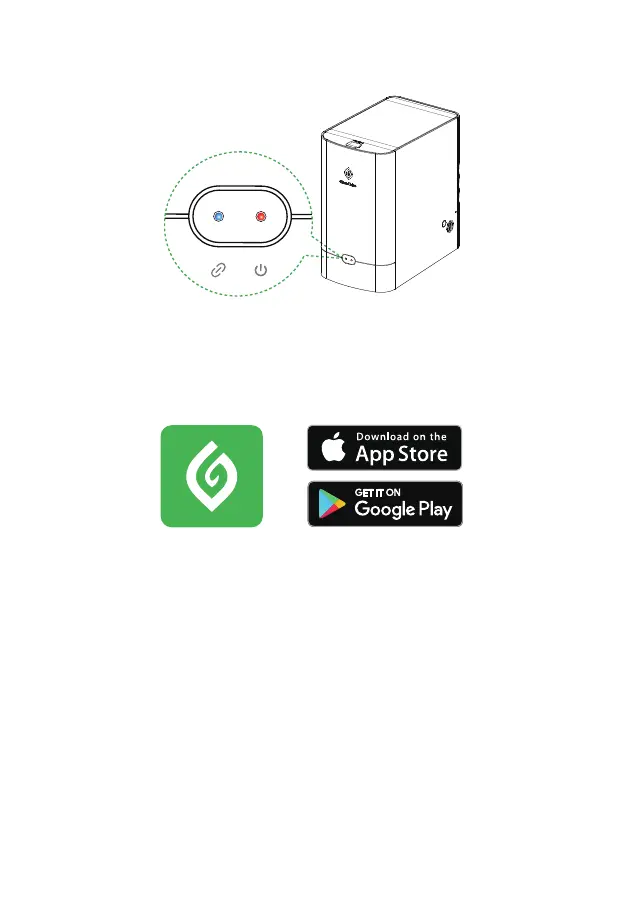
• 9. Turn on the power supply of GrowCube, wait for the red and blue lights to flash alternately, which
means the state of waiting for network configuration.
• 2.1.2 Install APP
GrowCube 
GrowCube
2.2 Network Configuration
Direct Connection ModeNetworking Mode
󽗉
󽗉󽗋





• 2.2.1 Networking Mode
Before configuring the network for the GrowCube, let's take a look at how GrowCube Networking
Mode works:
10