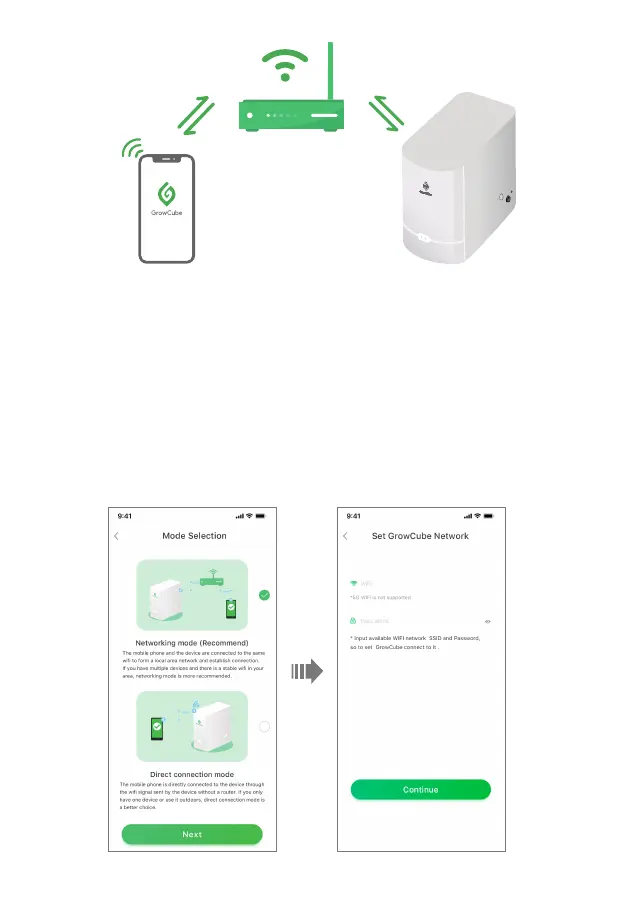
• 1. Open the app and enter the Mode Selection page, select "Networking Mode" and enter the
Set GrowCube Network page, enter the home/office WiFi name and home/office WiFi password to
be used, click "Continue", and there will be a pop-up "XXXX (your WiFi name) has been Saved";
(Note: There is a drop-down selection menu at the WiFi name, users can choose WiFi by themselves,
the recently used WiFi will be displayed first,
).
GrowCube APP GrowCube
Router
11



 To Next Page