21
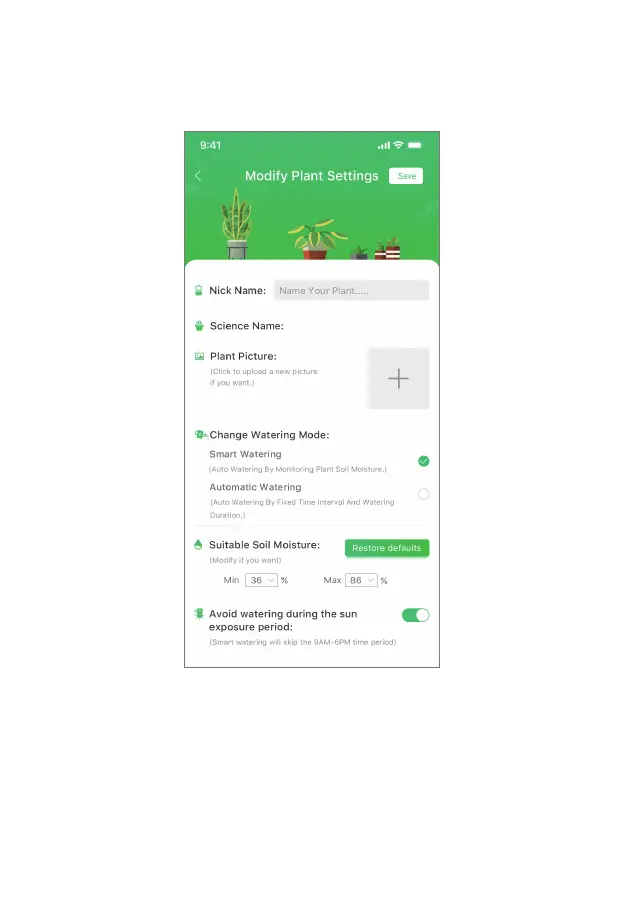
• 5. Save Settings And Start Smart Watering
Give the plant a nice nickname, such as "my beauty" and click Save to start planting. If you
choose the smart watering mode, you can also choose whether to avoid watering during the sun
exposure period. Turn on the switch and the device will not water from 9AM-6PM every day.
Back to the Plants page, you can see all the plants being planted. Click on the blank space except
for the plant name and plant picture to enter the detailed page of the plant's watering status. Click
on the plant name or plant picture to enter the detailed introduction page of the plant.



 To Next Page