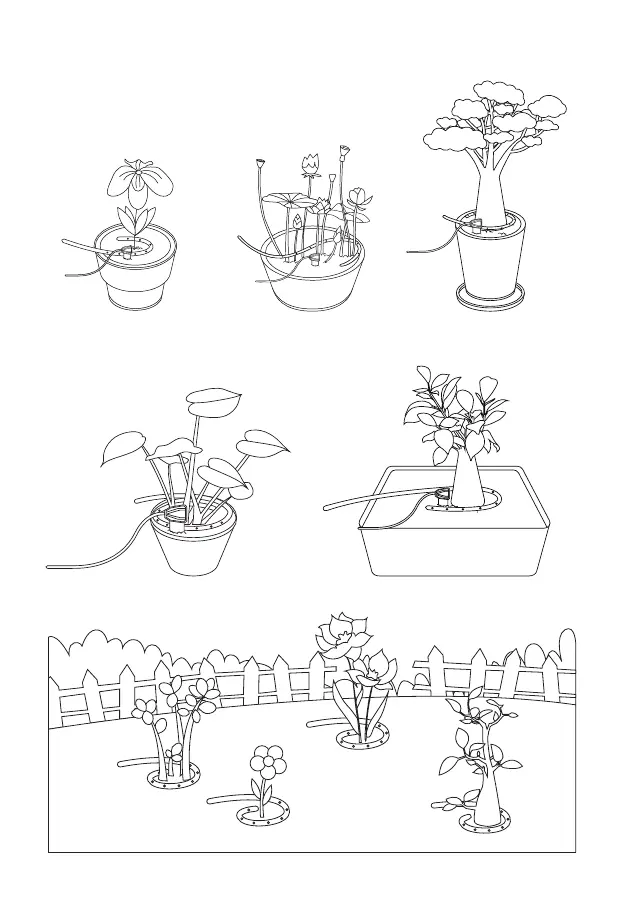
• 6. Bend the nozzle to fit the size of the plant disk so that the nozzle can reach the root area of the
flower as much as possible.
• 7. Fix the nozzle through the bracket if necessary.
• 8. Fill the GrowCube tank with water, being careful not to exceed the maximum level.
07
Contents
Chapter 1. Product Introduction 02
• 1.1 Product Overview
• 1.2 Key Features
• 1.3 Product Appearance And Description
Chapter 2. Get Started 04
• 2.1 Installation
• 2.2 Network Configuration
• 2.3 Watering Parameter Settings
Chapter 3. Functions Introduction 24
• 3.1 Plant Monitoring
• 3.2 Plant Details
• 3.3 Manual Watering
• 3.4 Modify Plant's Watering Settings
• 3.5 Diary
• 3.6 Delete Plant
• 3.7 Garden
• 3.8 Device Management
• 3.9 More
Chapter 4. Abnormal Reminder 38
• 4.1 Water Shortage Reminder
• 4.2 Sensor Not Connected Reminder
• 4.3 Sensor Abnormal Reminder
• 4.4 Water Pipe Blockage Reminder
• 4.5 Device Locked Reminder
Chapter 5. Product Parameters 43
Chapter 6. Troubleshooting 44
FAQ 45
Customer Service 46



 To Next Page