7-29
CONTROL SYSTEM
Revision Y05-01Service Manual - EMD Series
SELF TEST for General Controller
STEP 1: TURNING ON THE POWER .
Turn ON the power, make sure that the unit is in operation.
STEP 2 : ENABLE SELF TEST MODE
1. Use the Remote control to send the first settings to display / indoor unit
Heat mode, High IFAN, set temperature 16 ºC , no I FEEL Sleep or any Timer settings needed.
2. Cover the IR transmitter components in the head of the remote control so that it will not
transmit the signals to the indoor unit display.
3. Use the Remote control to send the second settings to display / indoor unit
Cool mode, Low IFAN, no I FEEL Sleep or any Timer settings.
4. Uncover the remote control IR transmitter and change the temperature settings.
If the display/indoor unit receive the settings properly the following steps will start:
STEP 3 : MODEL SETTING CONFIRMATION
1.The STAND-BY and COOL LEDS will indicate the operation mode as following:
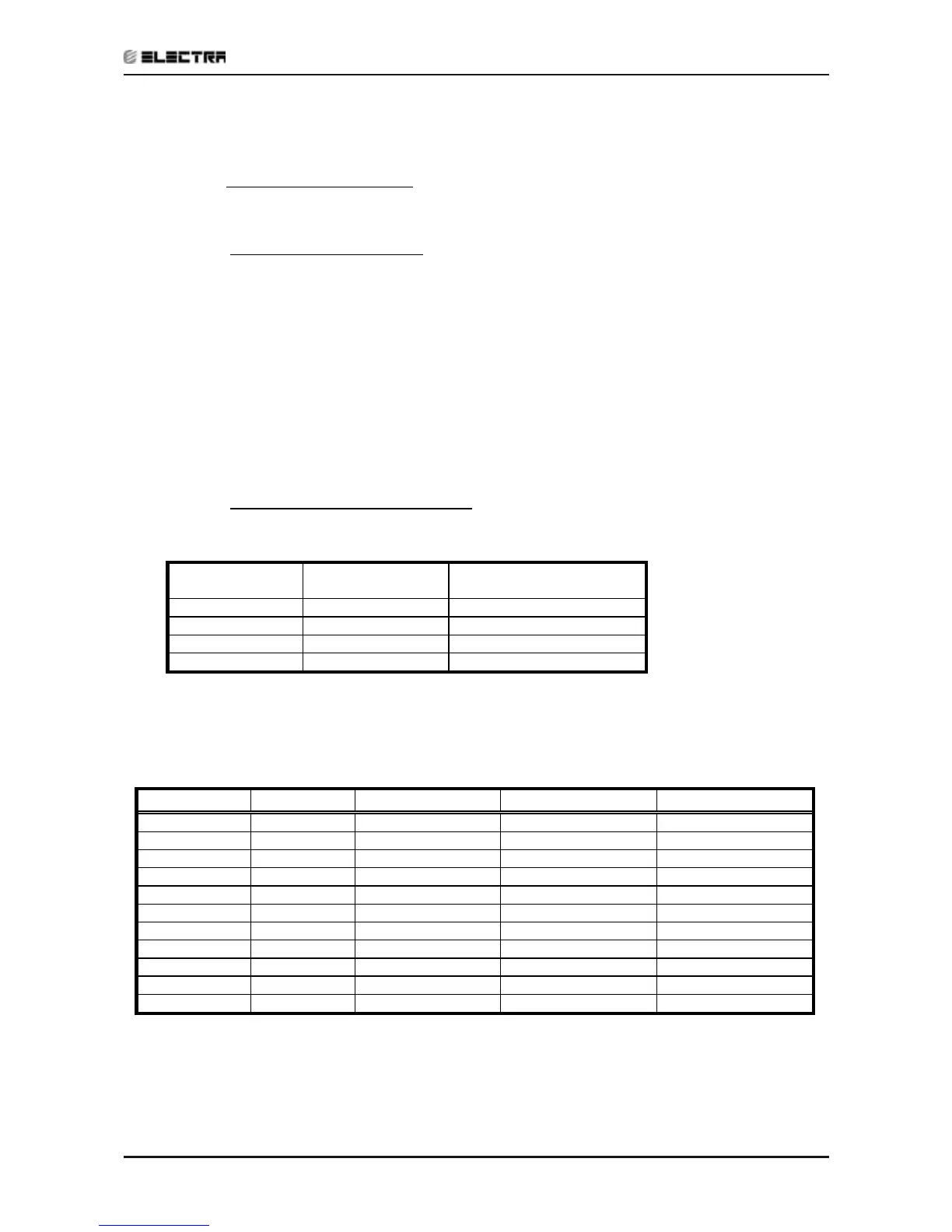
COOL LEDSTAND-BY LEDOPERATION
MODE
OFFONST
OFFOFFRC
ONOFFSH
ONONRH
2. Testing the Model configuration. selected by the COMP, STAND-BY, TIMER LEDS and
FILTER will indicate the model configuration as follows:
FILTER LED TIMER LEDOPERATE LEDCOMPMODEL
OFFOFF
OFFON
WNG
ONOFF
OFFON
MBX
OFFON
OFFON
WNX
OFFOFF
ONON
PRX
ONOFF
ONON
WMN1
OFFON
ONON
EMD/LS
ONON
ONON
ECC-K
OFFONOFFOFF
WMN 4
ONONOFFOFF
PXD
ONOFFONOFF
WMN 2/WHX
ONONONOFF
WMN 3
In this term the step motor will turn to HOME POSITION.



 To Next Page