6 of 14
OPERATION
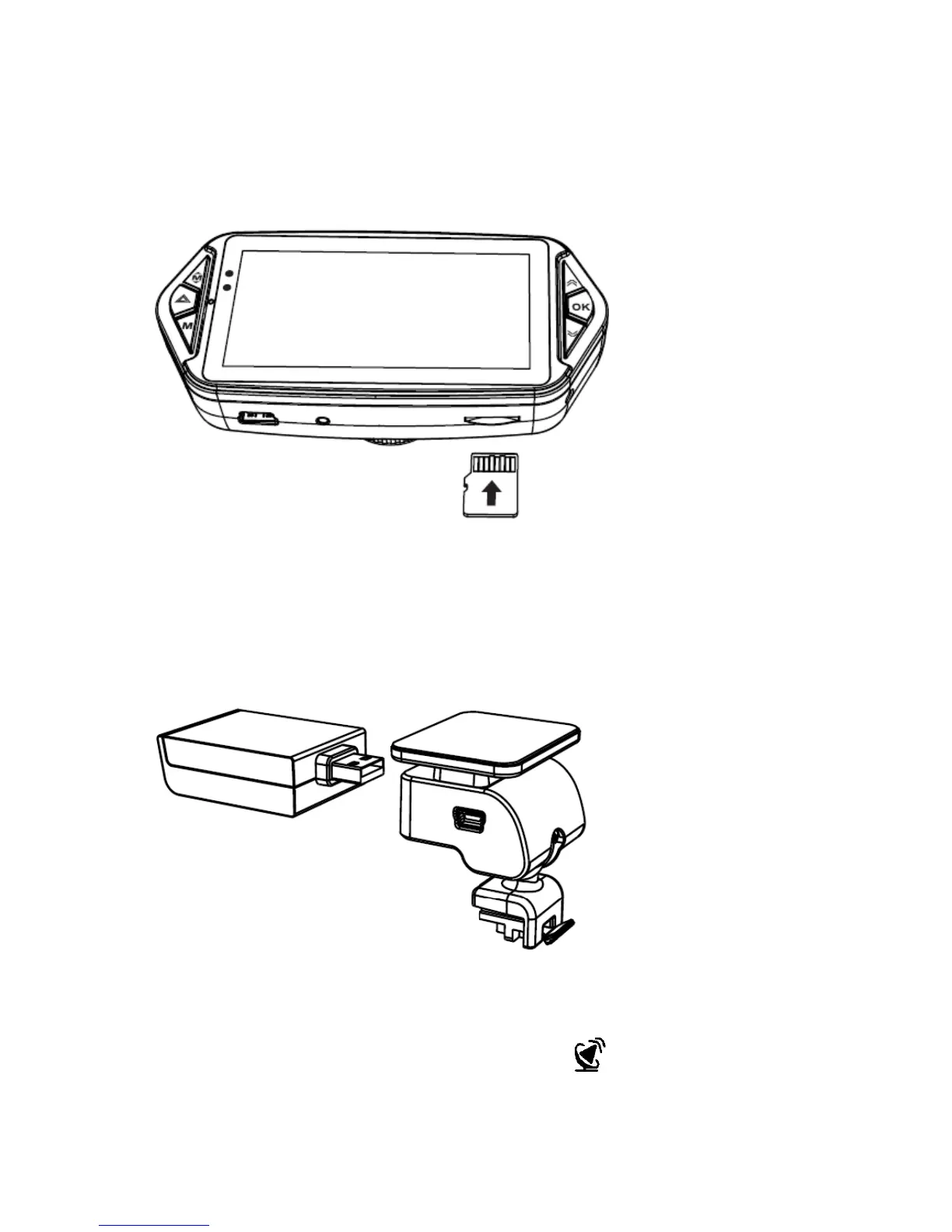
Micro SD Card Installation
Install the Micro SD card as shown below:
GPS Module Installation (500GCAM only)
Insert the GPS module into the camera holder as shown below:
Install the device on the windscreen using the sticker or sucker.
When the power is on, the device will automatically search and find GPS signal
where available.
When the unit has found a GPS signal the GPS icon will be shown on the
camera display.



 To Next Page