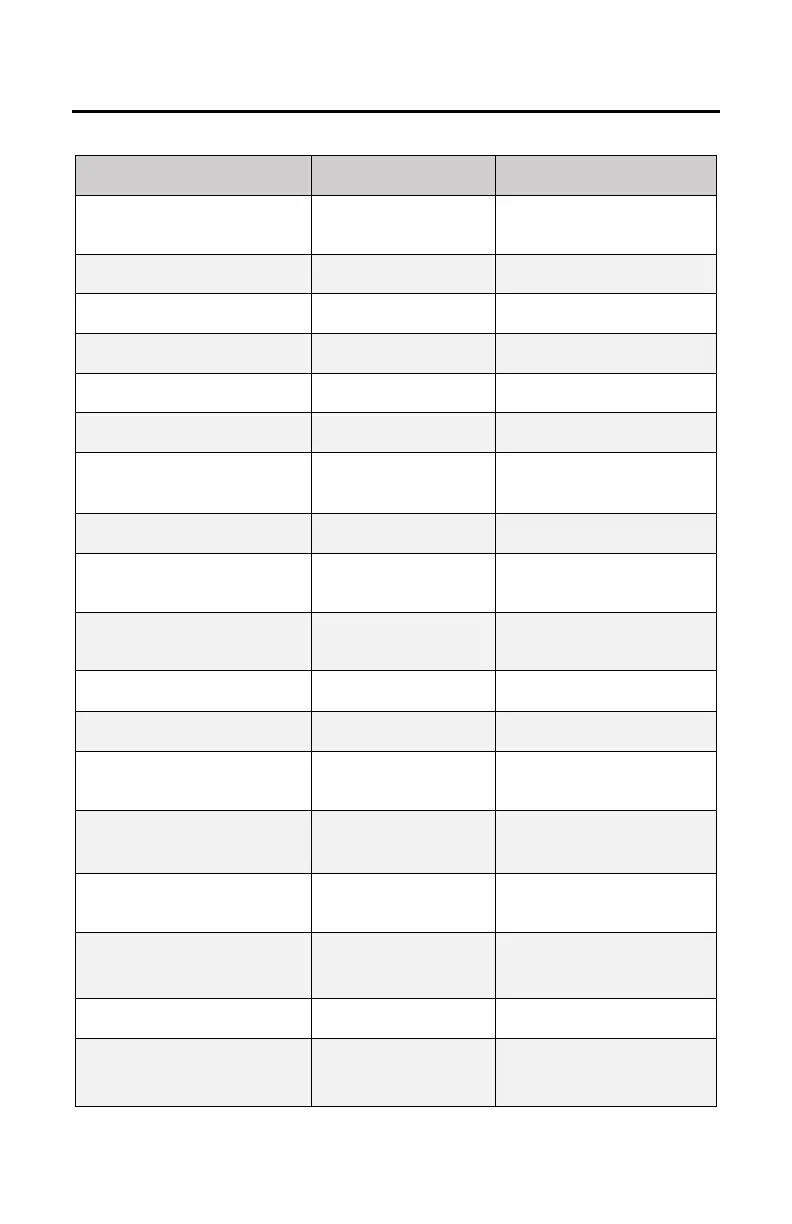
SECONDARY OPERATIONS REFERENCE TABLE
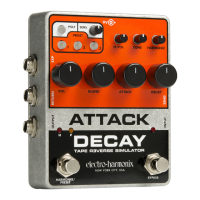
Attack Decay
Secondary Mode
1st Button(s) Hold/
2nd Button Press
Custom Expression Setting
Create custom expression
settings where any knob is
swept by expression or CV.
Saving Presets (can also be
used to save altered presets)
Hold down preset button
for 2 seconds to save.
Press and release preset
button to recall preset.
Press and release preset
button to go back to live.
Move any knob or change a
mode while in a preset.
Press and release altered
(blinking) preset button.
Footswitch Preset Control
Cycle through presets and
WYSIWYG with each press
and release of HARMONIX.
Continuous Envelopes
(Tremolo)
Restarts volume envelopes
automatically.
POLY + PRESET 2/
PRESET 1
Mono mode only: choose
Attack curve taper: linear,
parabolic or s-curve.
POLY + PRESET 2/
PRESET 3
Mono mode only: choose
Decay curve taper: linear,
parabolic or s-curve.
BLEND knob mixes dry and
Harmonix into envelopes.
BLEND knob mixes dry
return and env output.
Harmonix FX Loop Position
POLY + PRESET 3/
PRESET 1
Hold down POLY and
PRESET 3 then press and
release PRESET 1.
Return Bypass
(FX Loop active in bypass)
POLY + PRESET 3/
BYPASS FSW
When in Bypass mode, the
RETURN jack is connected
to OUTPUT jack.
BYPASS FSW Manual Trigger
Press/release BYPASS to
trigger volume envelopes,
audio does not trigger.
Clock pulse on EXP jack
triggers volume envelopes,
audio does not trigger.
POLY + PRESET 3/
PRESET 2
Disables or enables the
internal compressor.
BYPASS
hold during power up
Restores all presets and
secondary modes to factory
settings.







 To Next Page