Press the button to mute (turn off) the audio
output.
MUTE
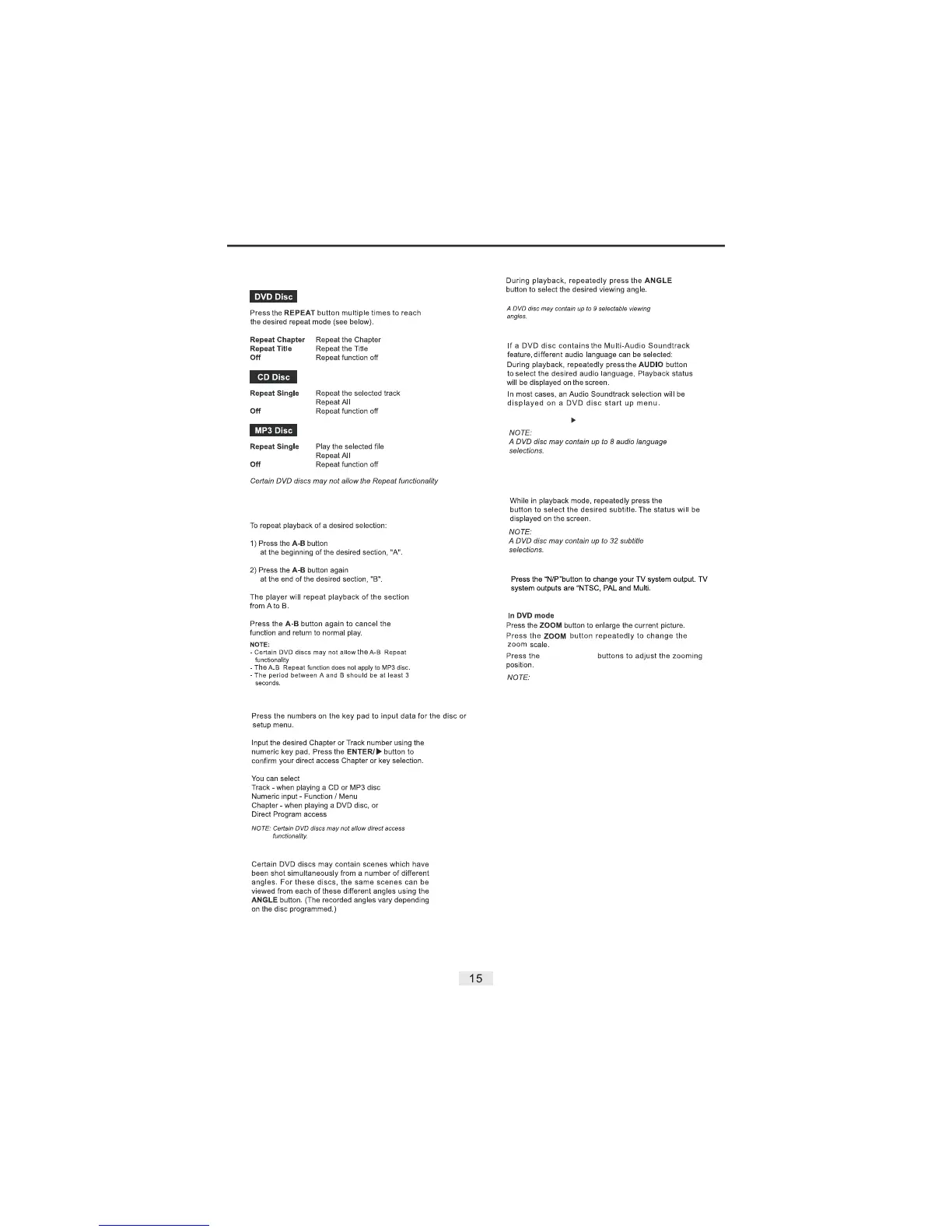
14. Repeat
15. Repeat A-B
16. Numeric Key Pad / Direct Program Access
17. Multiple Angles
18. Multi-Audio Soundtrack
19. Multiple Subtitles
If a DVD disc contains the Multi-Subtitle feature,
you may select from the discs available Subtitles.
SUBTITLE
20. N/P Button Function
21. Zoom Function
DIRECTIONAL
The picture quality will be degraded the more the picture
is zoomed.
22. Volume Up/Down
During disc playback. Press the buttons
- or + to adjust the volume output. The Volume
level will be displayed on the screen.
Volume
23. Mute
Press the button again to resume normal
audio output.
MUTE
Use
The buttons to make a selection and
press the button to confirm.
DIRECTIONA
ENTER/
Repeat Folder
Repeat Folder


 To Next Page