EasyManua.ls Logo

Electrohome EAAC475 - User Manual

Electrohome EAAC475
47 pages
Print Icon
To Next Page IconTo Next Page
Loading...
electrohome.com
Thank you for your purchase of this Electrohome product. Please read this
instruction manual carefully before using product to ensure proper use.
Keep this manual in a safe place for future reference.
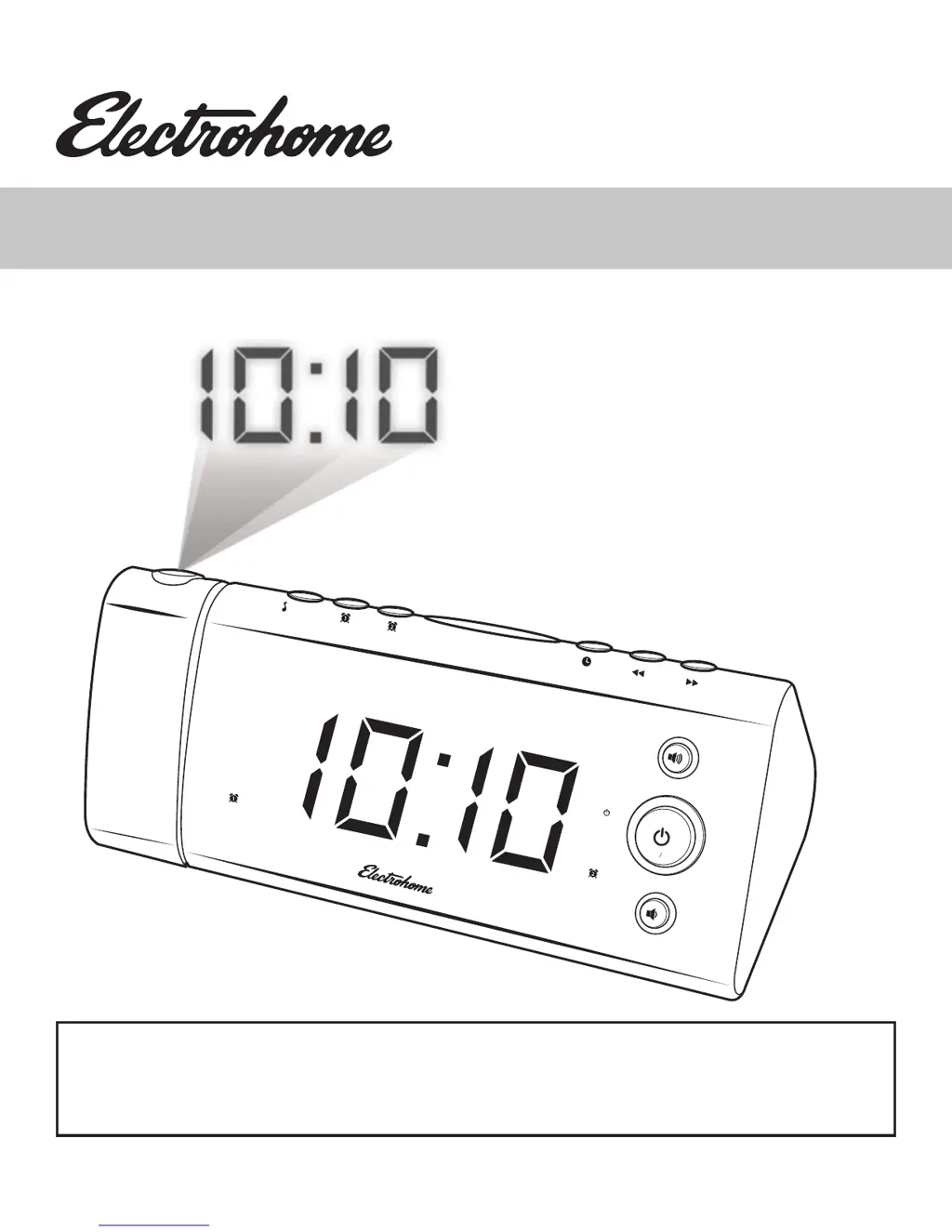
USER MANUAL
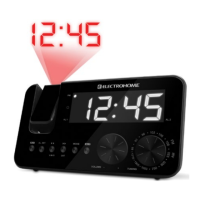
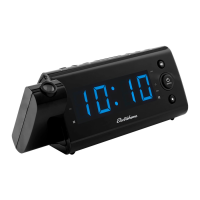
USB Charging Alarm Clock Radio
With Projection
EAAC475 / EAAC475W
V1.07
FM
FM
VOL
AM
AM
PM
DIMMER
PRESETS
SNOOZE/SLEEP

Questions and Answers

Summary

Need Help?

Customer Support Contact

Provides contact methods for product assistance and support via website and online chat.

Warnings

General Safety Warnings

Alerts regarding fire, electric shock, and radiation exposure.

Electrical Safety Symbols

Explanation of symbols indicating dangerous voltage and important operating instructions.

Electrical Shock Prevention

Guidance on plug safety and installation location to prevent electric shock.

Important Safety Information

General Usage and Maintenance

Covers cleaning, ventilation, heat sources, plug safety, and power cord protection.

Environmental and Usage Guidelines

Advises on unplugging, servicing, liquid exposure, battery handling, and placement.

Important Safety Information

Damage Requiring Service

Conditions under which the product requires professional servicing or repair.

Servicing and Replacement Parts

Guidelines for product servicing, replacement parts, and safety checks after repair.

FCC Compliance Statement

Details the device's compliance with FCC rules regarding radio frequency interference.

Important Safety Information

FCC Interference and Compliance

Further FCC compliance, interference mitigation, and Canadian ICES-003.

Environmental Disposal and Battery Warning

Instructions for responsible disposal and critical warning about ingesting coin cell batteries.

Whats Included

Included Items List

Lists the items provided with the USB Charging Alarm Clock Radio.

Product Information

Front LED Screen Layout

Details the components and indicators on the front LED display of the clock radio.

Product Information

Front Buttons and Controls

Identifies and explains the functions of the buttons on the front of the unit.

Rear Panel Connections

Describes the ports and connections available on the rear panel.

Projector Unit Controls

Explains the operation and adjustment of the projection feature.

Product Information

Top Buttons and Functions

Details the top-mounted buttons and their respective functions for operation.

Product Information

Bottom Component Identification

Identifies components located on the bottom of the product, including battery compartment.

Operating Instructions

Connecting Power and Time Zones

Instructions for connecting power and setting the correct time zone using the AUTO TIME SET feature.

Battery Backup Functionality

Explanation of the battery backup feature for maintaining settings during power outages.

Operating Instructions

Installing the Battery

Step-by-step guide for installing the backup battery, including important cautions.

Daylight Saving Time (DST) Setup

Details automatic DST preset and how to cancel or reactivate the feature.

Operating Instructions

Setting the Date and Time

Procedure for setting the current date and time, including 12/24 hour format.

Operating Instructions

Setting Alarm 1 and Alarm 2

Guide to setting alarm times, modes, wake options, and radio volume for dual alarms.

Operating Instructions

Setting Alarm 2 Details

Detailed steps for setting the second alarm, including deactivation.

Operating Instructions

Alarm Duration and Snooze Function

Explains how long alarms sound and how to use the snooze feature.

Sleep Timer Operation

Instructions for setting a timer to listen to music before falling asleep.

Operating Instructions

Adjusting LED Brightness

How to adjust the brightness of the LED display, including OFF mode.

Listening to the Radio

Steps for turning on/off, tuning, and scanning radio stations.

Setting and Recalling Radio Presets

Guide to saving and selecting favorite radio stations using presets.

Operating Instructions

USB Charging Function

Information on using the USB port to charge external devices.

Projection Unit Usage

How to operate the projector for displaying time or temperature, including focus and flip.

Troubleshooting

Problem Diagnosis and Solutions

A chart to diagnose and solve common issues with the clock radio.

Care and Maintenance

Cleaning and Maintenance Guide

Instructions for cleaning and maintaining the clock radio to ensure longevity.

Specifications

Technical Specifications

Detailed technical specifications of the USB Charging Alarm Clock Radio.

Electrohome Warranty

Limited Warranty Details

Details the one-year limited warranty, coverage, and exclusions for Electrohome products.

Notes

User Notes Section

Blank page for user notes.

Notes

User Notes Section

Blank page for user notes.

Electrohome EAAC475 Specifications

General IconGeneral
BrandElectrohome
ModelEAAC475
CategoryClock Radio
Display TypeLED
Radio BandsAM/FM
Power SourceAC Power
Battery BackupYes
Snooze FunctionYes
Alarm TypeBuzzer
Weight1.5 lbs

Related product manuals