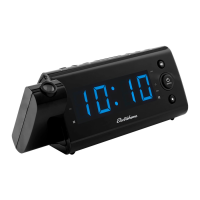
How to fix Electrohome Clock Radio when the power does not come on?
- SSherry DixonSep 13, 2025
If your Electrohome Clock Radio isn't turning on, the AC cord might not be fully plugged in. Make sure to insert the plug firmly into the AC outlet.
How to fix Electrohome Clock Radio when the power does not come on?
If your Electrohome Clock Radio isn't turning on, the AC cord might not be fully plugged in. Make sure to insert the plug firmly into the AC outlet.
Provides contact methods for product assistance and support via website and online chat.
Alerts regarding fire, electric shock, and radiation exposure.
Explanation of symbols indicating dangerous voltage and important operating instructions.
Guidance on plug safety and installation location to prevent electric shock.
Covers cleaning, ventilation, heat sources, plug safety, and power cord protection.
Advises on unplugging, servicing, liquid exposure, battery handling, and placement.
Conditions under which the product requires professional servicing or repair.
Guidelines for product servicing, replacement parts, and safety checks after repair.
Details the device's compliance with FCC rules regarding radio frequency interference.
Further FCC compliance, interference mitigation, and Canadian ICES-003.
Instructions for responsible disposal and critical warning about ingesting coin cell batteries.
Lists the items provided with the USB Charging Alarm Clock Radio.
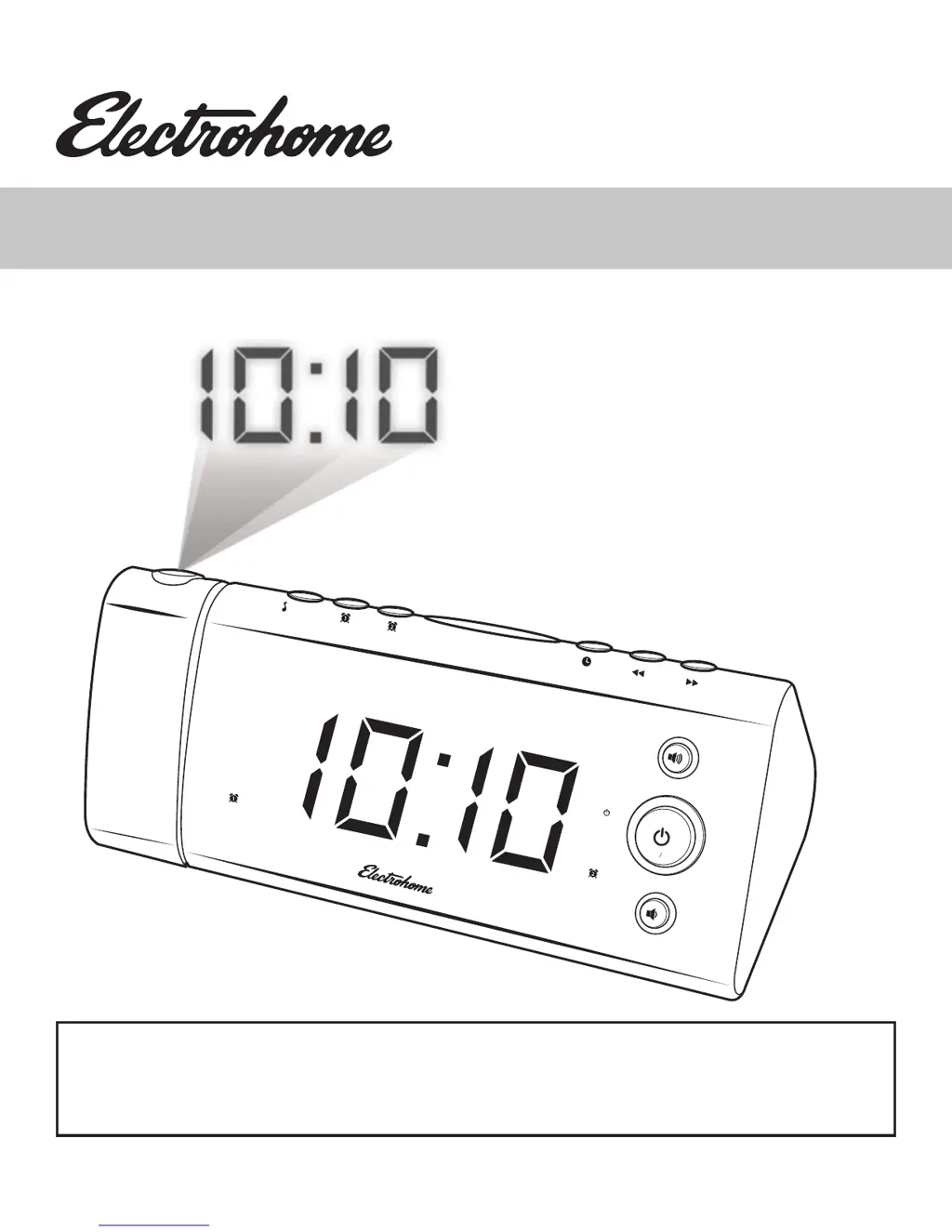
Details the components and indicators on the front LED display of the clock radio.
Identifies and explains the functions of the buttons on the front of the unit.
Describes the ports and connections available on the rear panel.
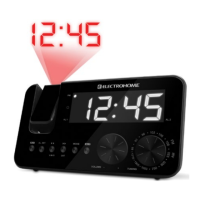
Explains the operation and adjustment of the projection feature.
Details the top-mounted buttons and their respective functions for operation.
Identifies components located on the bottom of the product, including battery compartment.
Instructions for connecting power and setting the correct time zone using the AUTO TIME SET feature.
Explanation of the battery backup feature for maintaining settings during power outages.
Step-by-step guide for installing the backup battery, including important cautions.
Details automatic DST preset and how to cancel or reactivate the feature.
Procedure for setting the current date and time, including 12/24 hour format.
Guide to setting alarm times, modes, wake options, and radio volume for dual alarms.
Detailed steps for setting the second alarm, including deactivation.
Explains how long alarms sound and how to use the snooze feature.
Instructions for setting a timer to listen to music before falling asleep.
How to adjust the brightness of the LED display, including OFF mode.
Steps for turning on/off, tuning, and scanning radio stations.
Guide to saving and selecting favorite radio stations using presets.
Information on using the USB port to charge external devices.
How to operate the projector for displaying time or temperature, including focus and flip.
A chart to diagnose and solve common issues with the clock radio.
Instructions for cleaning and maintaining the clock radio to ensure longevity.
Detailed technical specifications of the USB Charging Alarm Clock Radio.
Details the one-year limited warranty, coverage, and exclusions for Electrohome products.
Blank page for user notes.
| Brand | Electrohome |
|---|---|
| Model | EAAC475 |
| Category | Clock Radio |
| Display Type | LED |
| Radio Bands | AM/FM |
| Power Source | AC Power |
| Battery Backup | Yes |
| Snooze Function | Yes |
| Alarm Type | Buzzer |
| Weight | 1.5 lbs |
Loading...