To Next Page
A
Alejandro RushAug 5, 2025
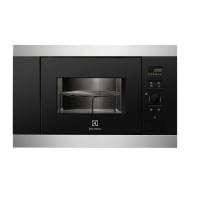
How to replace lamp in Electrolux CKM806CX?
- AAmy KleinAug 5, 2025
To replace the lamp in your Electrolux Microwave Oven, follow these steps: 1. Turn off the oven and wait until it's cold. 2. Disconnect the oven from the power supply. 3. Place a cloth on the bottom of the oven cavity. 4. Turn the glass cover to remove it. 5. Clean the glass cover. 6. Replace the lamp with a heat-resistant lamp (300 °C). 7. Reinstall the glass cover. Always handle the halogen lamp with a cloth to avoid grease residue burning onto it.
 General