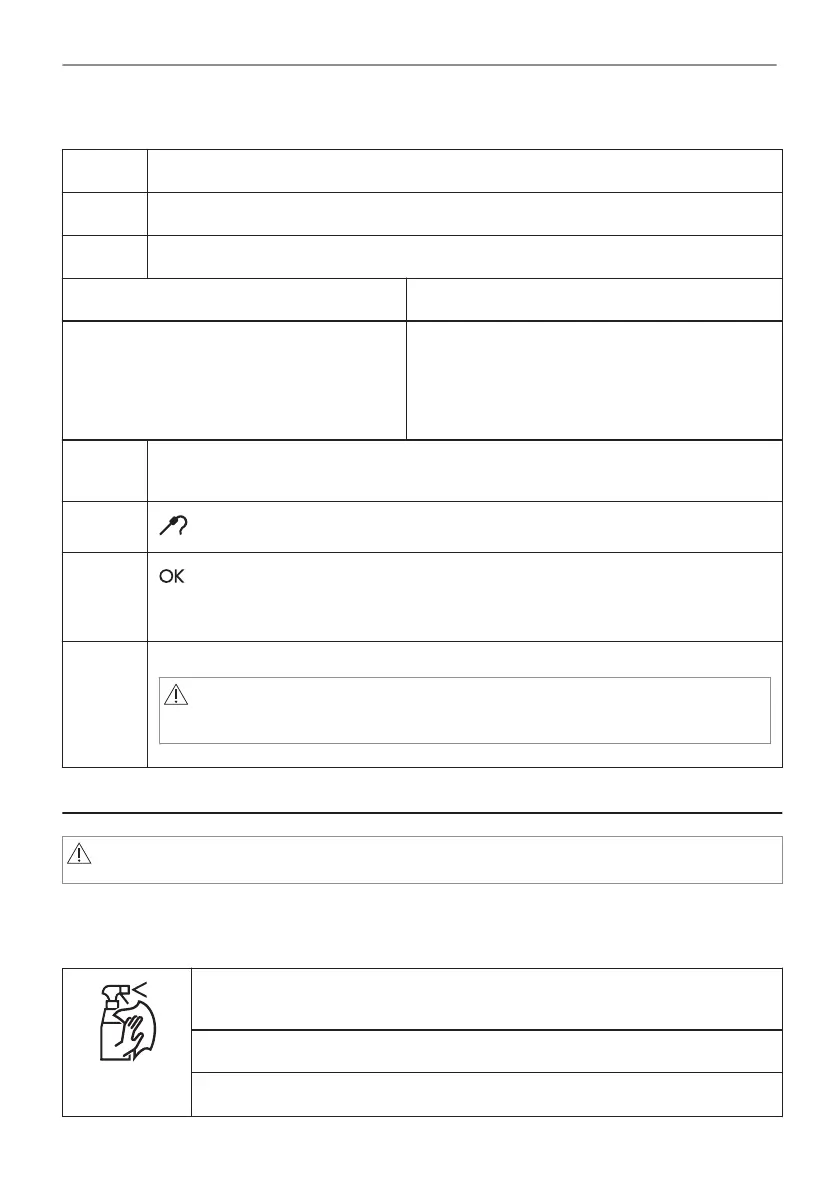
How to use: Food Sensor
Step 1 Turn on the oven.
Step 2 Set a heating function and, if necessary, the oven temperature.
Step 3 Insert: Food Sensor.
Meat, poultry and fish Casserole
Insert the tip of Food Sensor into the centre
of meat, fish, in the thickest part if possible.
Make sure that at least 3/4 of Food Sensor is
inside of the dish.
Insert the tip of Food Sensor exactly in the centre
of the casserole. Use the rim of the baking dish to
support the silicone handle of Food Sensor. The
tip of Food Sensor should not touch the bottom of
a baking dish.
Step 4 Plug Food Sensor into the socket at the front of the oven.
The display shows the current temperature of: Food Sensor.
Step 5
- press to set the core temperature of the sensor.
Step 6
- press to confirm.
When food reaches the set temperature, the signal sounds. You can choose to stop or
to continue cooking to make sure the food is well done.
Step 7 Remove Food Sensor plug from the socket and remove the dish from the oven.
WARNING!
There is a risk of burns as Food Sensor becomes hot. Be careful
when you unplug it and remove it from the food.
7. CARE AND CLEANING
WARNING!
Refer to Safety chapters.
7.1 Notes on cleaning
Cleaning
Agents
Clean the front of the oven with a soft cloth with warm water and a mild deter‐
gent.
Use a cleaning solution to clean metal surfaces.
Clean stains with a mild detergent.
10/20
CARE AND CLEANING




 To Next Page