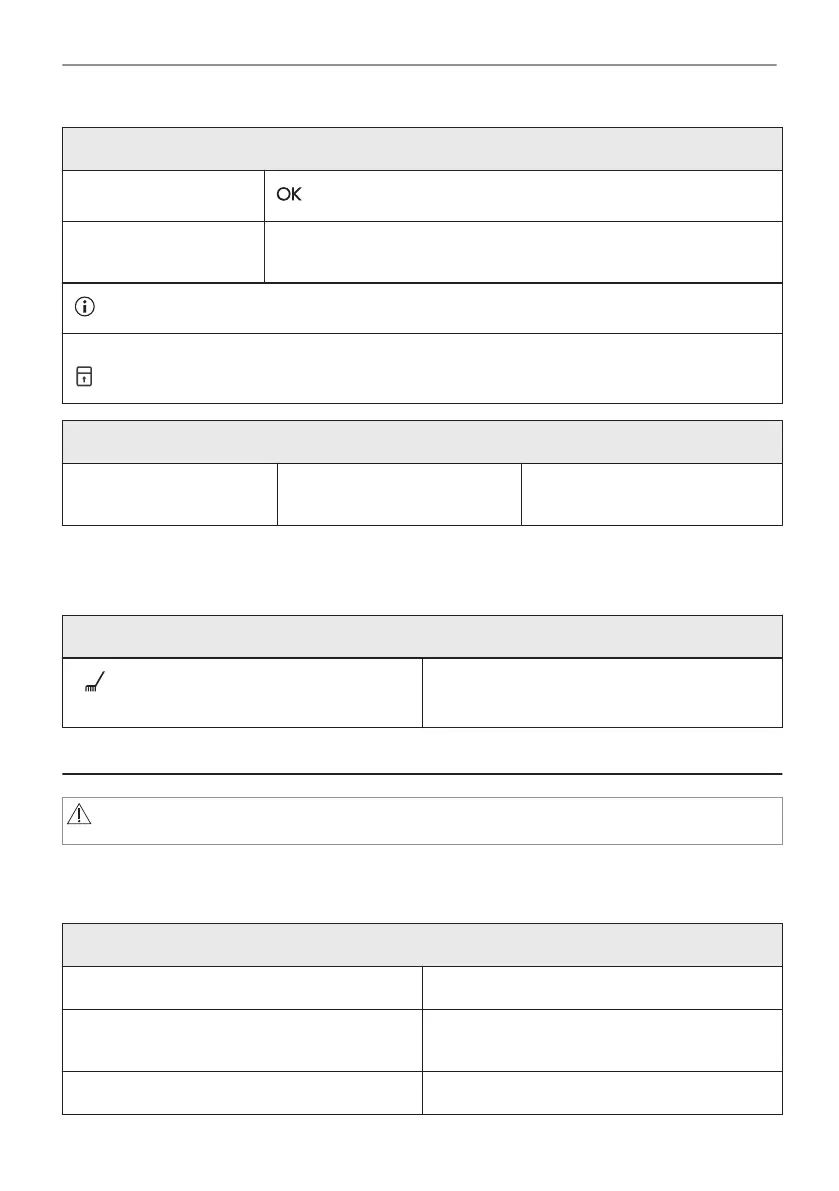
Pyrolytic Cleaning
Step 3
- press to start the cleaning.
Step 4 After cleaning, turn the knob for the heating functions to the off posi‐
tion.
During the cleaning the oven lamp is off.
When the oven is at the set temperature, the door locks. Until the door unlocks the display shows:
.
When the cleaning ends:
Turn off the oven and wait
until it is cold.
Clean the cavity with a soft
cloth.
Remove the residue from the
bottom of the cavity.
7.3 Cleaning Reminder
The oven reminds you when to clean it with pyrolytic cleaning.
flashes in the display for 5 sec after each
cooking session.
To turn off the reminder enter the Menu and
select Settings, Cleaning Reminder.
8. TROUBLESHOOTING
WARNING!
Refer to Safety chapters.
8.1 What to do if...
In any cases not included in this table please contact with an Authorised Service Centre.
The oven does not turn on or does not heat up
Problem Check if...
You cannot activate or operate the oven. The oven is correctly connected to an electrical
supply.
The oven does not heat up. The automatic switch-off is deactivated.
12/20
TROUBLESHOOTING




 To Next Page