To set Keep Warmto turn ON automatically
1. Arrange interioroven racksand place food inoven. Set the oven
properly for Timed Bake (see page 25, steps 1 to 9) or Delayed
Timed Bake (see page 26-27, steps 1 to 12).
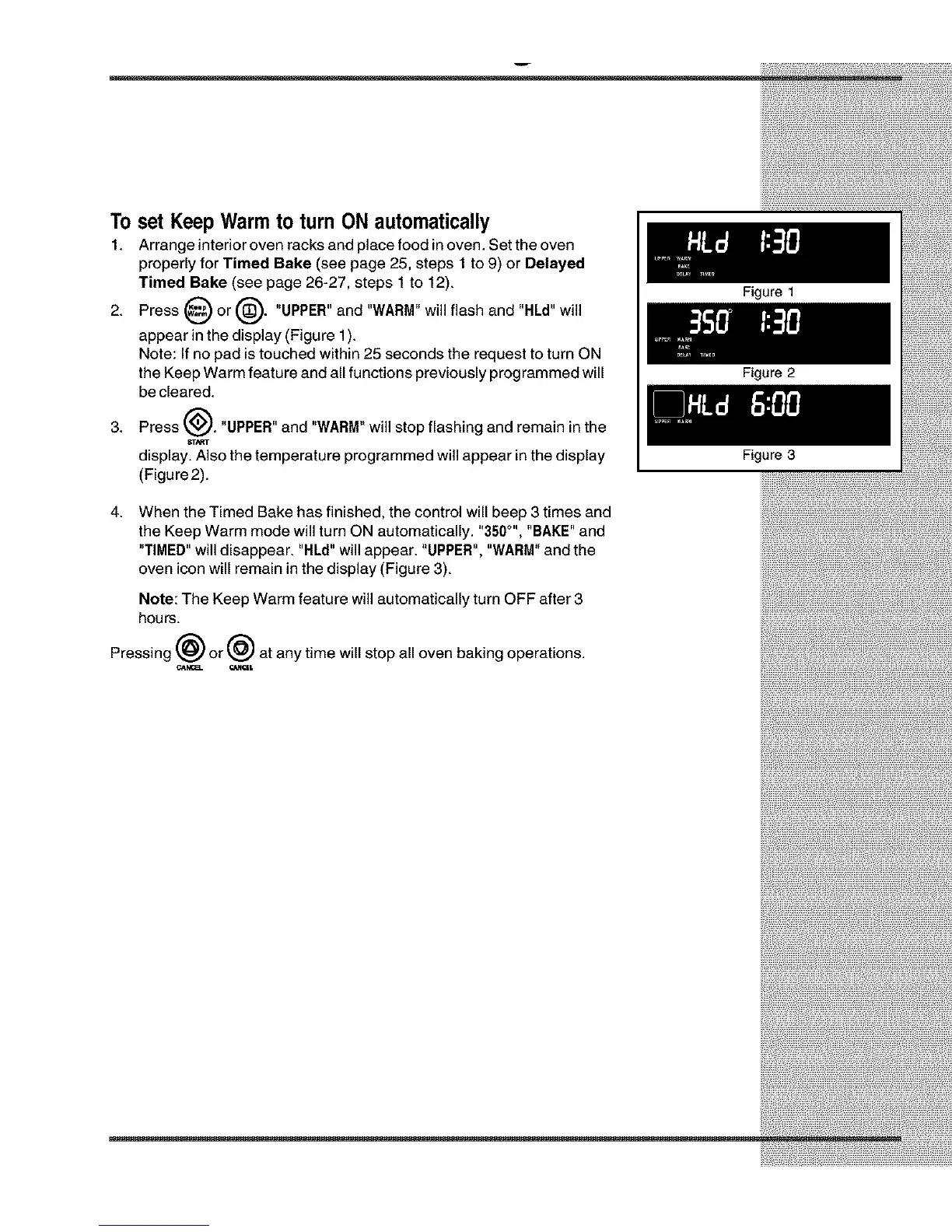
2. Press _ or _'_. "UPPER" and "WARM"will flash and "HLd" will
appear in the display (Figure 1).
Note: If no pad istouched within 25 seconds the request to turn ON
the Keep Warm feature and all functions previously programmed will
be cleared.
3.
Press _J. "UPPER" and "WARM"will stop flashing and remain in the
S'C.,_T
display. Also the temperature programmed will appear inthe display
(Figure2).
Figure 1
Figure 2
Figure 3
4.
When the Timed Bake has finished, the control will beep 3 times and
the Keep Warm mode will turn ON automatically. "350°", "BAKE" and
"TIMED" will disappear. "RLd" will appear. "UPPER", "WARM"and the
oven icon will remain in the display (Figure 3).
Note: The Keep Warm feature will automatically turn OFF after 3
hours.
Pressing @ or @ at any time will stop all oven baking operations.
e_,NC__ OINClt







 To Next Page