EDW1600
Technical Support – A.R.
Chapter 3.1
Alarm Reading and Actuator Test
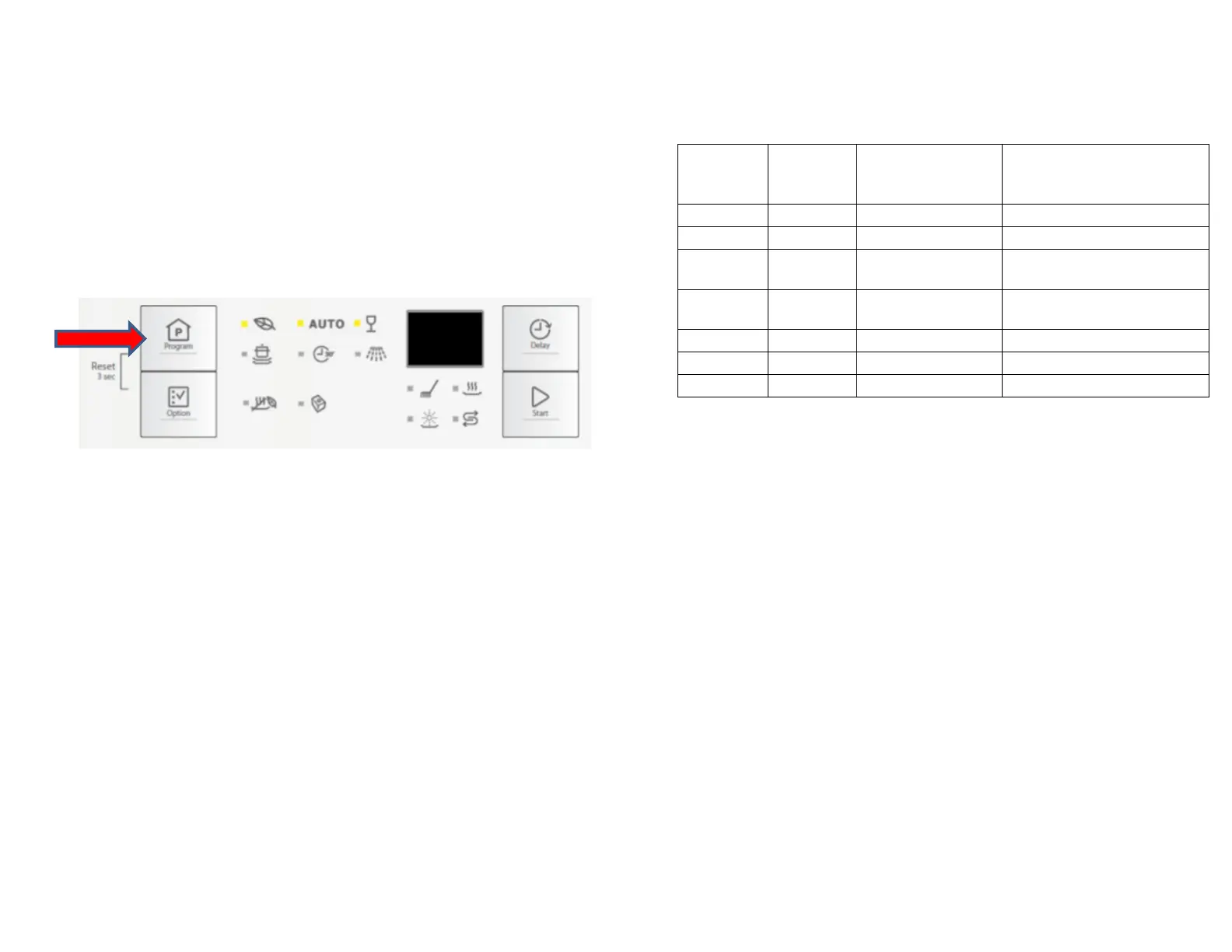
After accessed Service mode (L1, L2 and L3 blinking):
1.
Press button S1 to show the first alarm code.
L1 blinks to indicate the machine is in Alarm Reading.
The first alarm code saved is shown in the display. Please
see later Alarm Codes section.
2. Press button S1 again to show the second alarm code.
3.
Press button S1 once more to show the third alarm code.
4. Press button S1 the fourth time to move to Actuator Test. Press
button S1 repeatedly will sequentially turn on one actuator at a
time.
L1 is turned off. L2 blinks to indicate the machine is in
Actuator Test.
The actuator number is shown in the display, see the
following table for details.
Number of
S1 Pressed
Number in
Display
Actuator Comment
4 4 Regeneration Valve
5 5 Drain Pump
6 6 Inlet Valve
reached
7 7 Heater
reached
8 8 Wash Pump
9 9 Dispenser
10 10 Dry Fan
5. Press button S1 when actuator number 10 is activated, the
machine will cycle back to Alarm reading and show the first
alarm code saved.
6. Switching off the appliance will exit Service mode.
LED Test / Delete Alarm Memory
After accessed Service mode (L1, L2 and L3 blinking):
1. Press button S2 to start this function.
All used LEDS and display (show “8:88”) blinks 5 second on
1 second off.
If a buzzer is equipped, it beeps for 5 seconds.
The alarm codes saved in memory are erased.
2. Switching off the appliance will exit Service mode.



 To Next Page